
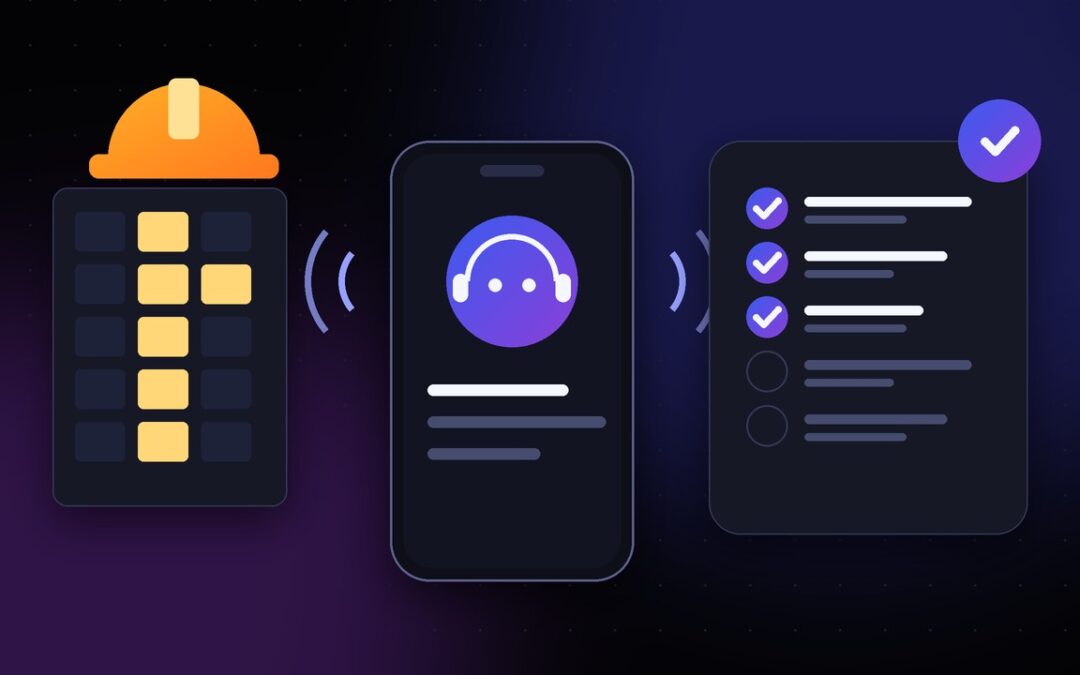
A subcontractor check-in should answer three questions: Is the assigned work moving, what could delay the next trade, and who needs to act? Subcontractor check-in calls can follow a defined schedule, collect those answers by phone and feed an agreed summary into monday.com. The practical goal is not to let AI run a construction site. It is to give the project manager a more dependable way to hear from the people already responsible for the work.
When a site has electrical, mechanical, drywall and finishing trades working to interdependent dates, an update that arrives after a coordination meeting may be too late to be useful. A structured calling process makes follow-up more predictable without asking every supervisor to spend the day inside another application.
Why construction teams still need a phone-based follow-up process
A monday.com board can show owners, timelines, dependencies and statuses. Its value depends on someone supplying accurate updates. Some subcontractor foremen are comfortable editing a board from their phones. Others primarily communicate with the general contractor’s site superintendent and have little reason to open the platform between site visits.
That is where a scheduled voice check-in may help. A call can ask about a specific assigned task rather than send a generic reminder. It can also provide space for a foreman to say that access is blocked, a prerequisite trade is unfinished or a required material has not arrived. These are different explanations, and the distinction matters to the person sequencing the site.
The monday.com construction management template illustrates the central role of deadlines, project status and subcontractor coordination. A calling workflow should complement that project structure rather than introduce a second system of record.
Step 1: Choose the tasks and people worth calling
Do not start by calling every contact on every board. Select the work where a timely answer changes a decision. Suitable candidates include an assigned rough-in task ahead of drywall, a delivery required before installation, or a subcontractor’s punch-list item before the final walkthrough.
Give each selected item an accountable person, a due date and a reason for the call. If the work belongs to a company rather than a named individual, agree on the authorised person who can speak for that work. Keep emergency, safety-critical and inspection sign-off decisions with qualified humans.
A usable sample board might contain the item Level 2 electrical rough-in, the subitem South corridor complete, the responsible trade lead, a planned finish date and the fields Reported progress, Blocker, Last contact and Review required. These are illustrative field names, not a claim that a particular board template has already been installed.
Step 2: Decide exactly what the AI should ask and record
Short questions produce more actionable answers than a general request for an update. A trade-specific check-in could ask: “Are you working on the assigned area today?”, “Which portion is complete?”, “Is anything preventing the remaining work?” and “What do you need from the general contractor?”
Define acceptable answers and the rule for each mapped field before calling. A response such as “the south corridor is complete” can be logged as a reported update. A statement such as “the electrician signed it off” must not become a formal inspection approval unless an authorised person independently confirms it. Similarly, a verbal request to move a deadline should usually become a change request for the project manager, not an automatic change to the baseline schedule.
The operating plan for this product puts these choices in a manager-controlled Dashboard: selected projects, tasks or subitems, people, questions, call times, field mappings and escalation rules. The Dashboard controls follow-up; monday.com remains the project record.
Step 3: Schedule calls around site decisions, not convenience
The right time depends on the work. A start-of-day call can confirm attendance and readiness. A late-morning call may be better for delivery confirmation. A status call before the afternoon coordination meeting can reveal whether tomorrow’s successor trade has a clear workface.
Agree on calling hours, recipients’ preferred language, time zones and an appropriate frequency. Tell each recipient what the AI call is for, who will receive the information and how they can request a human follow-up. Do not assume that an employee, subcontractor and vendor are subject to the same consent requirements.
For teams using monday.com, Autoza AI for monday.com publicly describes scheduled start-of-day and status calls, write-back to board items, retry handling and call summaries. Confirm the specific board columns and configuration requirements during the setup review.
Step 4: Translate the conversation into a controlled board update
Consider a hypothetical call to the electrical foreman responsible for the south corridor. The AI identifies the project and task, explains that it is an automated project follow-up call and asks the approved questions. The foreman reports that the first section is complete but the remaining work is waiting on ceiling access.
The useful result is not the word “delayed” alone. The mapped record could capture Progress reported: partial, Blocker: ceiling access, Follow-up owner: site superintendent, and Update time: call timestamp, provided those fields and permitted values are configured. The superintendent then decides whether to adjust work sequencing or contact the relevant trade.
A failed call should never be presented as “on track”. Use an explicit no-response outcome, a reasonable retry window and a human escalation route. Autoza’s published product description mentions delayed retries and notifications for unreachable people. It does not remove the manager’s duty to check unresolved dependencies.
Step 5: Put limits around what the AI may change
A well-designed call log separates reported information from approved decisions. A subcontractor may report completion, request a new date or say an inspection passed. None of those statements should, by itself, authorise payment, certify work, alter a contractual milestone or close a safety issue.
Restrict updates to approved fields. Keep a visible history of the time and source of the reported answer. Route uncertainty, contradictory answers or sensitive information to a designated human. Document the applicable rules for AI disclosure, call recording, consent and data retention. The site’s privacy policy describes the categories of call and board data its services handle; the organisation still needs a lawful configuration for its own calling programme.
How to tell whether the process is working
Measure the number of calls that reach a valid task owner, how quickly significant blockers reach the project manager, and how many manual chase calls remain. Audit a sample of AI-written notes against their call outcomes. Also track false completions, duplicated contact and the percentage of exceptions resolved by a person.
Start with one active project and a manageable subset of work packages. Agree on a baseline for manual follow-up effort, then compare it with the pilot. A small, verifiable improvement is better evidence than an untested claim that all project follow-up has been automated.
Frequently asked questions
Who can receive scheduled AI check-in calls?
People authorised for the selected tasks or subitems, such as a trade lead, subcontractor supervisor or assigned worker, may be candidates. The business must confirm contact permissions, provide appropriate disclosures and apply the calling rules relevant to each recipient and location.
Which monday.com fields can the AI update?
Only the fields permitted by the configured integration and update rules. Typical proposed mappings include reported status, notes, contact time and blocker details. Confirm the actual supported field types and permissions before deployment.
What if the subcontractor does not answer?
Treat the call as unanswered, follow the agreed retry policy and escalate time-sensitive work to a human. Silence is not evidence that the work is complete.
Can an AI call approve work or change an inspection result?
It should not be used as the final authority for acceptance, safety decisions, contractual approvals or inspection sign-off. It can record what someone reports and alert the responsible manager to verify the claim.
Make your next site coordination call more useful
If you already use monday.com to manage subcontractors, identify one daily update that repeatedly requires manual chasing. Review how its owner, questions, call time and field updates could be configured in Autoza AI, or request a workflow discussion with AI Workflow Design. Keep the site team’s final decisions with the people accountable for the project.