
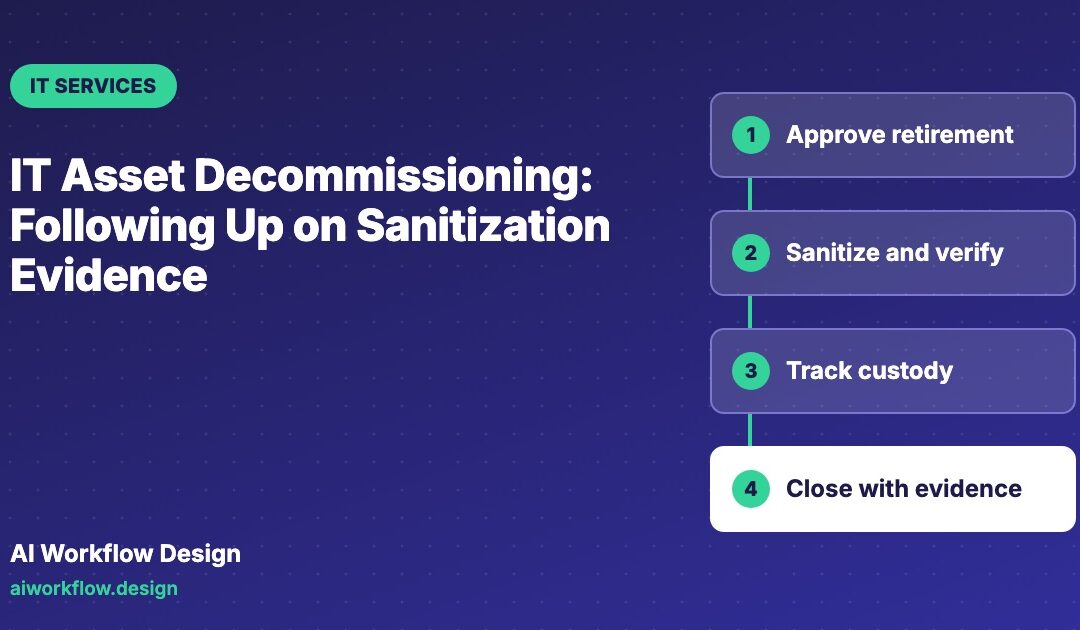
Quick answer: A sound IT asset decommissioning checklist links each retiring device or storage service to business-owner approval, data classification, an authorised sanitization or destruction method, chain-of-custody records, validation evidence, inventory changes and final disposal or reuse. A technician saying “wiped” is a progress update, not proof that all data has been handled properly.
A laptop is removed from service, an old storage array leaves a data centre and a cloud test environment is shut down. Each seems like an ordinary IT housekeeping job until somebody asks what happened to the data. The asset may have been sold, recycled, stored or repurposed, yet the inventory still says “active” or the erasure record cannot be matched to the drive’s serial number.
Decommissioning is therefore both an information-security process and an ownership handover. It needs traceable decisions before the equipment changes hands, especially when contractors, remote sites and third-party recyclers are involved.
Begin with the asset and its data, not the disposal collection
For each device or service, identify its inventory ID, current owner, physical location, serial number, components containing data, classification, dependencies, storage encryption status and intended destination. A single server may contain multiple drives; a multifunction printer may contain internal storage; a virtual machine may have snapshots or associated cloud volumes. “One asset, one wipe” can leave important media unaccounted for.
Check whether records must be retained for litigation, audit, contractual, tax, regulatory or business reasons before authorising destruction. Involve information governance, legal or records management as needed. An asset owner authorises retirement of business use; a security or data owner typically determines acceptable handling of the information. These roles can overlap but should be explicit.
Current media sanitization guidance focuses on organisation-level sanitization programmes and confidentiality assurance rather than one-off device handling. Avoid building a new policy from a superseded edition without checking the current standard and the relevant implementation references.
Set approval gates before anyone unplugs or removes a device
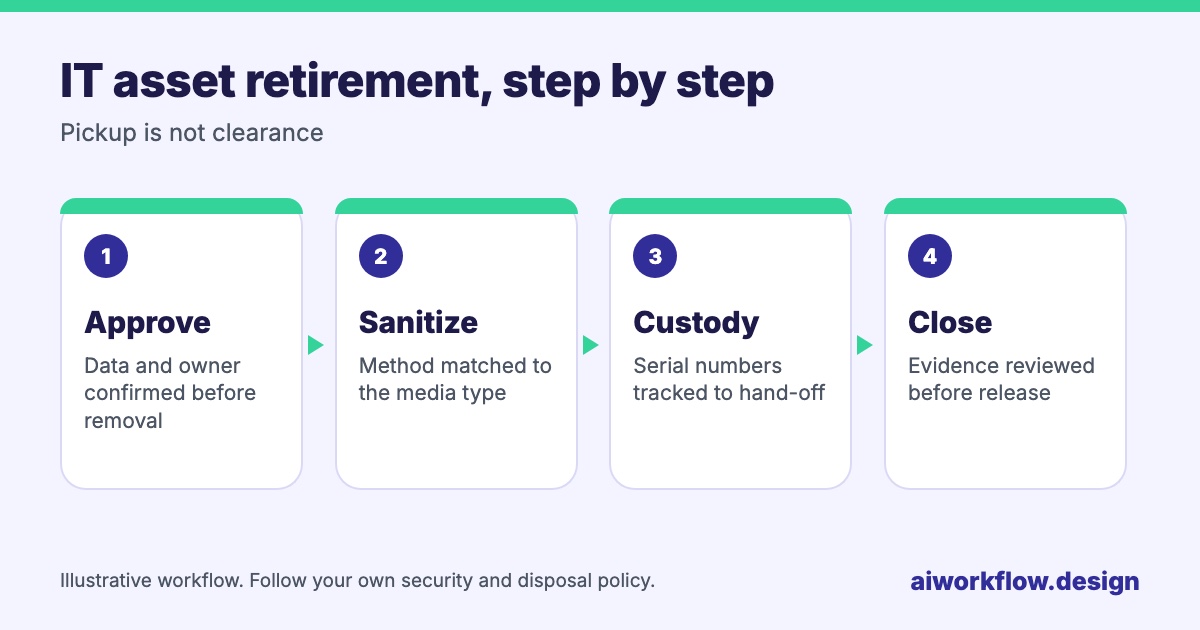
A robust record separates at least six stages: retirement requested, business approval recorded, data handling authorised, sanitization executed, result validated, and inventory/disposition closed. A service owner who approves a replacement machine does not automatically approve sale of its old drive. Similarly, a recycler’s pickup receipt is not proof of sanitization.
Document dependencies such as backup retention, certificate or licence revocation, domain membership, managed-device enrolment, warranty or lease return conditions and monitoring removal. If a system stores irreplaceable audit logs, the retirement decision may need a retention or migration gate. Never erase data first and ask whether a legal hold exists afterwards.
Use change-management controls for production infrastructure so that powered-off equipment does not accidentally interrupt an active workload. A retired-but-not-sanitized device should have controlled physical or logical access while awaiting disposal.
Match the data-handling decision to the actual media
Good practice favours programmatic selection and assurance rather than a universal “run this wipe utility” recipe. The organisation should select the approved method based on data sensitivity, storage type, intended reuse and technical characteristics. Some devices support properly implemented cryptographic erase; others need different approved approaches or physical destruction. Flash media, embedded storage and damaged drives cannot always be handled by the same process as a working magnetic disk.
Current guidance also pays attention to sanitization programmes, cryptographic erase and trust in vendor implementations. This matters when equipment has self-encrypting drives or keys held outside the device. A reported “encryption enabled” flag alone does not establish that the approved sanitization process succeeded.
Do not automate the selection of the method from a free-text caller response. A qualified security reviewer should approve the method and record the relevant standard or organisational policy version.
Make chain of custody a first-class record
The point of a chain-of-custody record is to answer who possessed the equipment, when and under what controls. Record a unique asset identifier, serial number, date and location of transfer, releasing and receiving parties, tamper-evident seal or container where used, storage location and final destination. Reconcile actual media counts at every meaningful transfer.
For a third-party recycler, verify the contract, approved handling process, any required certifications and the organisation’s right to receive evidence. Keep vendor pickup and disposition documentation linked to the asset, not buried in a shared inbox. Distinguish promised disposal dates from confirmed receipt and processing dates.
A missing drive or unmatched serial number is not a mere administrative delay. Escalate to the security and incident-response authority under the organisation’s procedure. Do not let a follow-up agent rationalise the discrepancy or quietly mark it resolved.
Define what counts as sanitization evidence
A useful evidence packet identifies the device or media, person or approved system performing the work, date, method, tools or procedure reference, exceptions and validation performed. The detail required depends on policy and applicable obligations. A vendor’s certificate can support the record, but it should be checked against the specific serial numbers and contracted services. A generic site-wide certificate does not necessarily prove a particular drive was processed.
For devices reused internally, document release to the new owner only after sanitization and functional readiness have been completed. For destruction, keep disposal confirmation and any authorised witness records. For cloud assets, check all relevant attached storage, images, snapshots, backups, identity or access bindings and provider retention semantics. Deleting a virtual machine from a dashboard is not equivalent to guaranteeing every data copy was erased.
Never place screenshots containing secrets, customer records or raw drive contents in the administrative tracking board. Store sensitive evidence in the security team’s controlled repository and link only to the approved record.
Coordinate follow-ups around the risk of transfer
Administrative reminders are most useful before custody changes. A sample schedule might ask for data-owner approval three working days before pickup, validate media identification on the day of transfer, request recycler evidence at the agreed service deadline and escalate any overdue validation. These are illustrative planning points; the contract, policy and risk assessment determine actual timing.
An appropriate question is: “For asset IT-284, has the approved sanitization record been uploaded to the secure register, and does it list all associated drive serials?” Another is: “Who is the reviewer for the unmatched storage unit?” Avoid asking technicians to recite passwords, recovery keys or sensitive system information by phone.
If the system reports that a wipe failed, the agent should mark the record as an exception and alert the authorised lead. Failed sanitization must not be retried or reclassified outside approved procedures simply to meet a pickup schedule.
Link asset retirement to service offboarding
Sanitization is only one part of retirement. Confirm the service’s DNS names, firewall rules, monitoring configuration, identity accounts, subscriptions, certificates, backups and support contracts are reassigned or retired according to the approved plan. For a leased machine, reconcile any required return of components against security obligations; ask the commercial owner and data owner to resolve conflicts before shipping.
Inventory closure should show the retirement date, replacement relationship if applicable, disposal channel and final evidence reference. Retaining a device in the active inventory after it is physically gone can create false vulnerability alerts, while deleting it too soon can destroy the traceability needed for audit or investigation.
Where monday.com and Autoza fit safely
A monday.com board can hold asset IDs, appointed owners, dates, high-level states, non-sensitive exceptions and secure evidence pointers. It should not become the source of secrets or proof that sensitive media was sanitised. Autoza AI for monday.com supports routine status calls and board updates, which may help chase asset return or missing approval evidence. It does not perform erasure, certify successful sanitization or decide how a media type should be treated.
For an inventory-to-disposal handoff that needs additional system integrations, AI Workflow Design’s services offer custom scoping. Any workflow should enforce role-based permissions and separate update rights from approval rights. An asset should never transition to “released” merely because an automated call was answered.
Review exceptions before closing the retirement ticket
Hold a short reconciliation between the asset manager, security owner and disposition coordinator. Count assets authorised for retirement, assets received, media units sanitised, evidence records validated and exceptions still open. Investigate differences before authorising reuse or final disposal. Track the percentage of records with complete serial-number matches and the time to resolve unmatched-media exceptions; these are more meaningful measures than total assets “processed.”
Apply the organisation’s own retention and disposal policies, plus any sector-specific obligations, to the actual work.
IT asset decommissioning checklist
- Obtain business-owner retirement approval and confirm retention or legal-hold constraints.
- Inventory every relevant data-bearing component and associated cloud copy.
- Select and document an authorised media-handling method.
- Record custody changes and reconcile serial numbers.
- Collect execution and validation evidence in the approved secure system.
- Remove or reassign monitoring, access and service dependencies under change control.
- Close the asset only after the appropriate reviewer accepts the complete evidence.
A reliable decommissioning process closes the gap between a device being no longer useful and its data no longer creating an unmanaged risk.
Next step
Want these follow-ups handled consistently? Explore Autoza AI for monday.com or talk to AI Workflow Design about scheduled, permissioned status follow-ups that leave approvals with the right people.
Frequently asked questions
What is the most important evidence in an IT asset decommissioning checklist?
The record should connect the specific asset and all data-bearing media to authorised retirement, selected sanitization handling, execution and validation evidence, custody transfers and final disposition. The exact documentation depends on policy and risk.
Is a recycler pickup receipt proof that a drive was wiped?
No. It confirms a transfer or collection event, not necessarily the sanitization method or result. Reconcile serial numbers with the required vendor evidence and authorised internal validation.
Which guidance applies to media sanitization?
Use the current published media sanitization guidance together with your organisation’s own policy. It emphasises the overall sanitization programme, acceptable methods and assurance, so check that you are not working from a superseded edition.
Can cloud virtual machine deletion complete data retirement?
Not automatically. Review attached volumes, snapshots, backups, images, retention settings and provider responsibilities under the approved cloud decommissioning procedure.
Can Autoza or another AI status agent certify that media is safe to dispose of?
No. It can collect administrative progress and route missing evidence. Approved sanitization, validation and disposal decisions belong to the authorised IT and security personnel.
Related reading
- Managed IT Client Onboarding: Confirm Monitoring and Backup Coverage
- Privileged Access Reviews: Following Up on Application Owner Attestations
- Patch Exception Expiry: A Follow-Up Plan for IT Risk Owners
- Backup Restore Exercises: A Task-Owner Follow-Up Checklist
- Vulnerability Remediation Projects: Track Action Owners Without Exposing Findings