
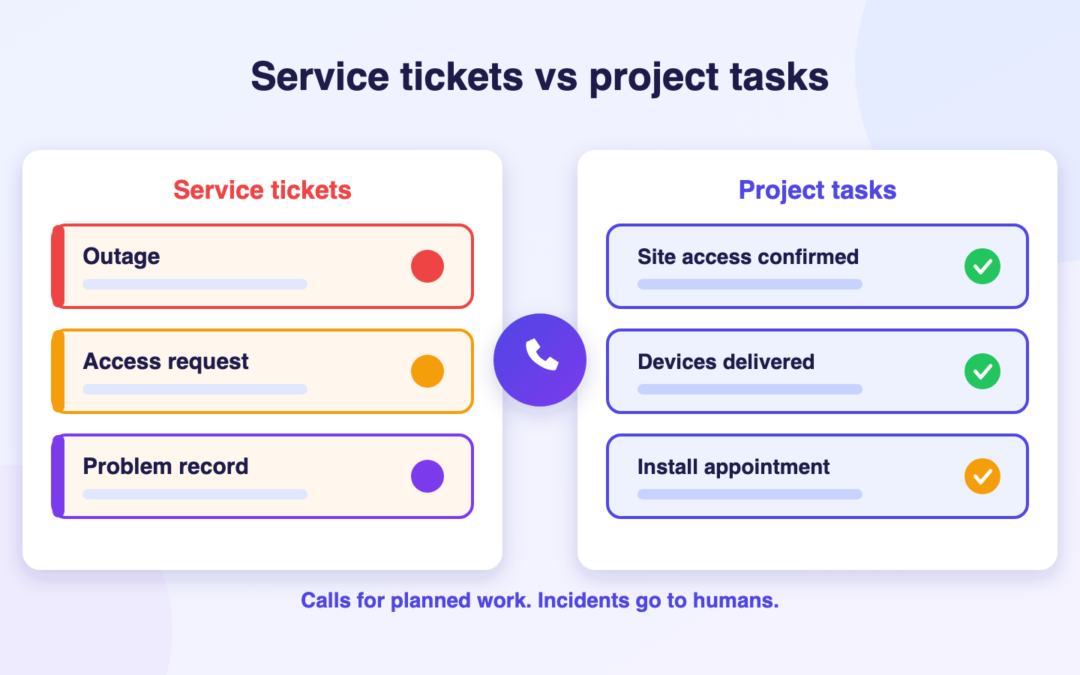
Quick answer: A service ticket is a record of an issue, request or operational service activity; a project task represents a planned piece of delivery work. The two often interact, but their follow-up needs are different. Scheduled AI calls can help collect non-urgent administrative updates from named project owners. Active incidents, security events and urgent restoration work require human-led service management and the organisation’s established escalation procedures.
For an MSP running installations, migrations and day-to-day support, this distinction prevents a simple check-in tool from becoming a second, ungoverned incident system. The right question is not “Can an AI call this person?” It is “Is a scheduled status check the appropriate channel for this work, at this moment, with this information?”
Start with clear definitions and records of authority
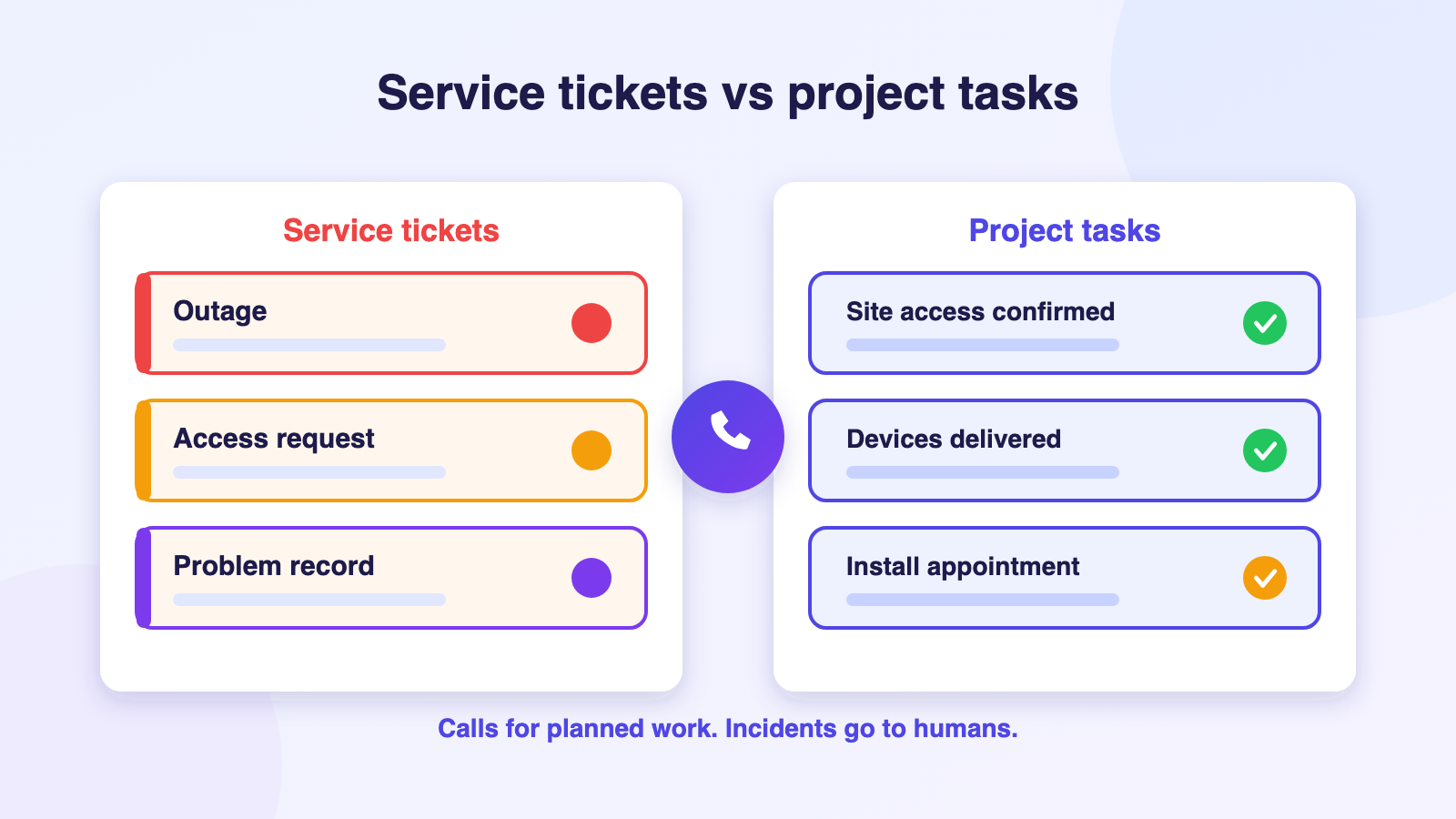
An incident ticket tracks unexpected service disruption, such as users unable to authenticate or a production application being unavailable. A service request tracks a defined request, such as provisioning an approved standard device. A problem record investigates underlying causes of recurring incidents. A project task belongs to an initiative with a defined outcome, such as deploying a new device fleet across multiple sites.
The systems may be linked without being interchangeable. A project manager may record “service desk is reviewing deployment-related tickets” on a board, while the help-desk platform retains ticket priority, customer communications, service restoration actions and technical audit history. A telephone summary should not silently modify those controlled fields.
The monday.com guide to IT project types highlights the difference between bounded delivery projects and ongoing operational demands. That is a useful starting point when deciding whether to contact a project owner or rely on the service team’s existing queue and reporting process.
Use urgency, ownership and evidence to choose the channel
| Work item | Typical record | Appropriate follow-up | Avoid |
|---|---|---|---|
| Routine hardware rollout preparation | Project task | Scheduled technician or supplier check-in | Asking for credentials |
| Approved access request pending review | Service request | Normal queue update or agreed reminder | Treating a call as access approval |
| Unplanned major outage | Incident | Immediate human incident escalation | Waiting for an AI retry |
| New office network milestone | Project task | Pre-milestone owner status call | Declaring network ready without testing |
| Repeated intermittent failure | Problem investigation | Investigator-led review | Closed-loop scripted “fixed?” call |
| Pending post-install asset list | Project administration | Brief scheduled follow-up | Copying sensitive inventory data into transcript |
The table is a triage aid, not a universal ITIL or ticketing classification. Organisations should apply their own service catalogues, severity criteria, contractual obligations and approved communication rules. Any unexpected safety or cybersecurity concern overrides a scheduled reminder plan.
Questions that work for ordinary project tasks
For a planned installation, ask whether the assigned site contact confirmed access, whether equipment arrived, whether the installation appointment is still possible, and which administrative blocker needs manager attention. For a staged migration, ask whether designated test participants acknowledged the rehearsal slot. For documentation work, ask whether the approved repository contains the required handover file.
Each question should be answerable without revealing technical secrets. Use concise reply categories such as On schedule, Awaiting material, Owner needs assistance, Date changed and Human review needed. Preserve the task ID and last-contact time. If a respondent says “I think it is finished,” keep that uncertainty visible until the appropriate reviewer verifies completion.
The existing MSP field technician progress article explores progress collection during installation work. The principle is the same: collect administrative facts and route a blocker, rather than turning a voice agent into a remote engineering supervisor.
Which tickets should not receive routine AI check-ins?
High-priority incidents are the clearest exclusion. If an organisation has declared a major service incident, an actual on-call engineer or incident commander must handle restoration and communications through established channels. Security alerts, compromise, ransomware, data loss or containment questions require the organisation’s security incident response procedures. NIST’s SP 800-61 Revision 3 offers current incident response guidance for integrating those responsibilities into cybersecurity risk management.
Also exclude tickets involving privileged access, sensitive customer records, authentication secrets, live troubleshooting that requires qualified engineering judgement and disputes over service obligations. A voice status tool must not tell a customer that an incident is resolved merely because someone says work was attempted.
For lower-priority tickets, assess whether the service desk already has a better mechanism. If the ticketing platform sends customer updates or enforces a service-level agreement, duplicating those messages with calls may be confusing. A project manager might instead follow up on a project dependency linked to the ticket, such as a site access date, while leaving the ticket history in the proper system.
Link the ticket and project board without duplicating authority
A sensible cross-reference uses Project ID, Ticket ID, Linked task, Responsible team, Last reported status, Next agreed checkpoint, Escalation owner and Authoritative system. Do not automatically copy full incident descriptions, personal data or credentials into the project board. A board-level note like “Ticket INC-247 remains under service-desk investigation; project milestone affected” is often sufficient.
If two records disagree, determine which system owns the specific decision. The service desk owns incident resolution status, while the project manager owns whether the dependent rollout milestone must move. The project board can show the impact of a ticket without editing the ticket itself. Ensure changes are traceable and that any integration is configured within approved permissions.
Where Autoza fits, and what still needs verification
Autoza AI for monday.com describes scheduled telephone check-ins, writing answers to board items, delayed retries and call summaries. That supports a narrow project-follow-up scenario, such as asking a named installation owner whether a shipment arrived. It does not establish an ITSM integration, automatic ticket classification, outage monitoring, security triage, service-restoration authority or compliance with a particular customer’s policies.
Before a pilot, show both the IT project manager and service desk the proposed call questions. Select non-urgent tasks, map only approved status fields, define no-answer and opt-out behaviour, and route anything suggestive of an incident directly to the organisation’s human-led process. Test real examples including a wrong number, an ambiguous response and a caller reporting an outage.
Example: a laptop rollout interrupted by an incident
Imagine an MSP replacing laptops at eight branches. The installation coordinator uses the project board to track delivered devices, site access and migration appointments. A daily check-in can ask the local owner whether the approved appointment can proceed and whether the planned shipment is present.
On one call, the owner says staff cannot log in because the organisation’s identity provider is unavailable. That is no longer just a routine laptop rollout question. The caller should not attempt password resets, decide severity or promise a restoration time. The situation must be passed to the existing incident contact, with only the minimum permissible alert recorded against the project dependency.
The service desk works the incident under its own system and responds through its normal channel. The project manager then decides whether to reschedule the branch deployment using verified information from the service team. Two systems remain consistent because each retains its proper authority.
A decision checklist for MSP managers
Before scheduling a call, ask: Is this planned project work? Is the owner known? Is the question limited to administrative status? Could the answer contain confidential material? Is there an urgent operational or security risk? Does the recipient have a safe time to answer? Will another system own the final decision? If any answer is unclear, choose the existing service-management workflow or a human contact first.
Evaluate the pilot on fewer missed project handoffs, faster discovery of non-urgent blockers and reduced duplicate chasing. Avoid using faster calls as evidence of improved incident recovery unless the incident data independently supports that conclusion. Routine project follow-up and incident response require different measures.
Next step: define a project-only calling lane
Start with an approved installation or migration project that has clear owners and low-risk status questions. Keep the service ticketing platform as the operational authority. To assess which project tasks are suitable, explore Autoza’s monday.com check-ins or discuss the workflow with AI Workflow Design.
Frequently asked questions
What is the difference between an IT service ticket and a project task?
A ticket records a service incident, request or operational issue. A project task tracks delivery work against a planned objective and milestone. The same customer initiative may involve both, but each has a different responsible workflow and system of record.
Can AI status calls replace an MSP’s incident escalation process?
No. Urgent incidents and security events require the organisation’s established human-led response, on-call contacts and real-time communication. Scheduled check-ins must not introduce a delay or make technical decisions.
Which MSP updates are good candidates for scheduled calls?
Non-urgent confirmations about site access, equipment delivery, appointment readiness, document receipt and project-owner availability can be suitable when recipients, permissions and contact schedules are approved.
Should monday.com automatically close a service ticket after a call?
No. A project board should not be assumed to control the service desk’s authoritative ticket resolution state. Service restoration and closure need the ticket system’s approved evidence and decision process.
What if a project check-in reveals a live outage?
Stop routine questioning, refer the situation promptly to the service desk or incident-response team, and record only the minimum approved project-impact status. Do not wait for a normal reminder cycle or another automatic retry.
Related reading
- How MSPs Can Collect Installation Progress Updates From Field Technicians
- Post-Deployment Follow-Up: Questions to Ask Before an IT Project Handover
- Cloud Migration Readiness Calls: How to Chase Dependencies Before Cutover
- IT Change Windows: When Should a Project Manager Schedule Follow-Up Calls?
- Autoza AI for monday.com: scheduled status calls
- Workflow automation services
- Daily Check-in Agent