
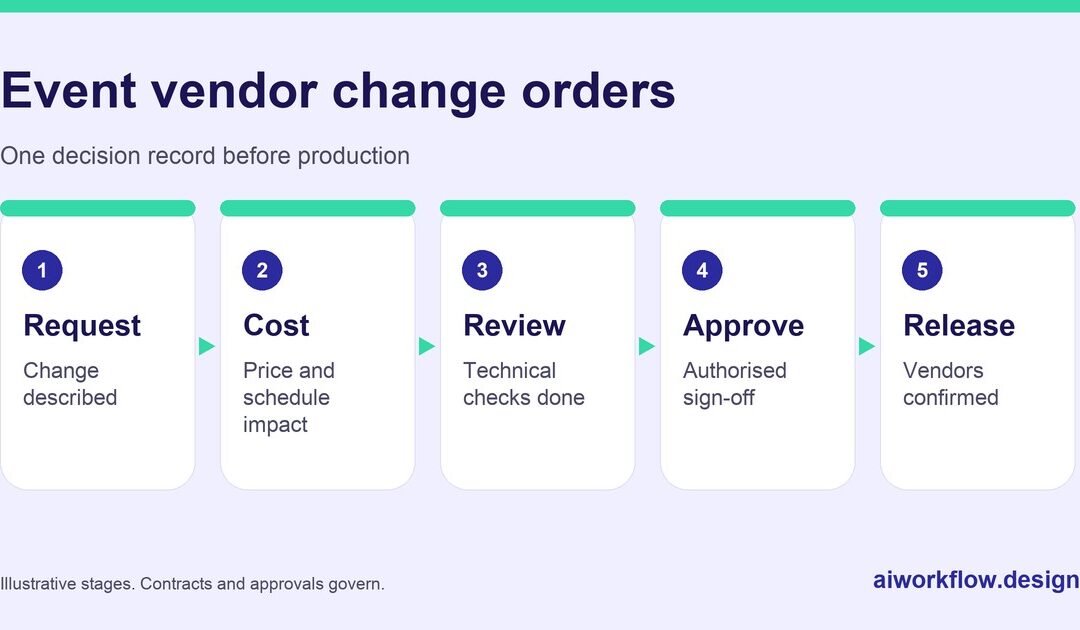
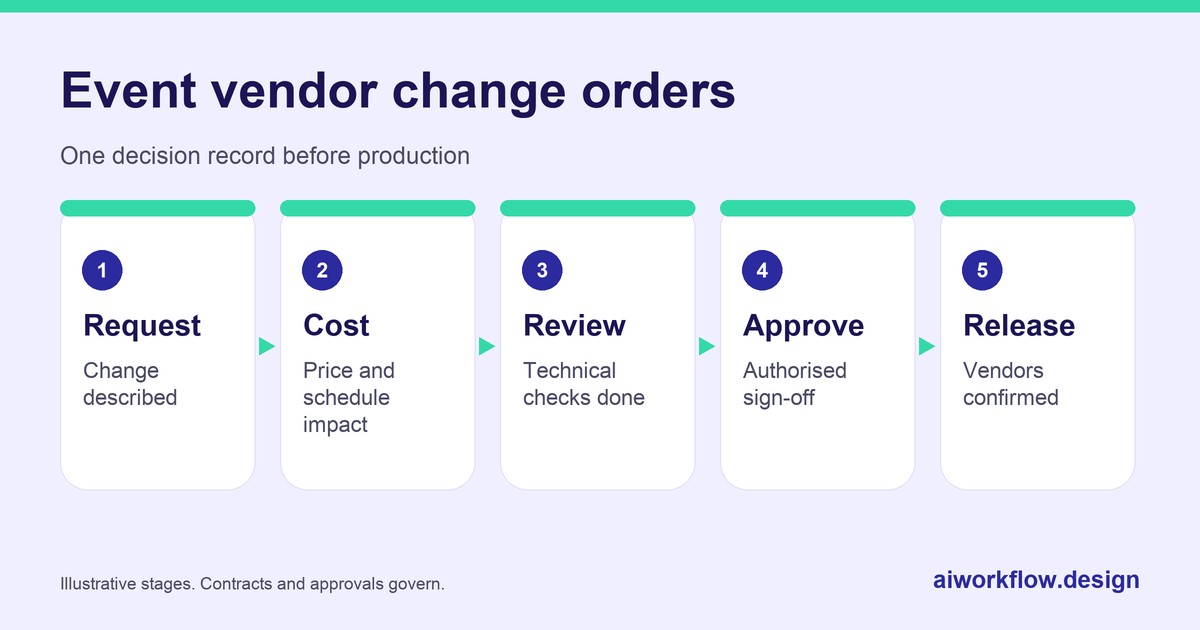
Quick answer: An event vendor change order checklist captures the original statement of work, the proposed change, its effect on price and schedule, the specific decision-maker, and the evidence of approval before the revised instruction goes to production. A supplier’s verbal agreement or an AI-generated status update is not a substitute for contractual authorization. Keep changes visible as proposed, priced, approved, implemented, and reconciled—five different events.
A live-event producer discovers on Monday that a sponsor needs a larger demonstration area for Saturday’s show. The staging company can source more platforms; the audiovisual team will need additional cabling; the venue requires an updated plan. In a busy group chat, someone replies, “Sounds good.” On invoice day, no one can explain whether that response authorized a larger spend or only acknowledged the request. A disciplined change-order register prevents that ambiguity.
What counts as a vendor change order at an event?
A change order is a controlled amendment to agreed work, not every ordinary supplier conversation. Examples include adding a display wall, expanding security coverage, increasing catering numbers beyond the contractual allowance, adjusting the rigging design, changing rehearsal hours, or extending an equipment rental. It may change cost, crew allocation, access windows, transport, dependencies, or the event’s risk profile. Those downstream effects should be recorded even when the supplier proposes a zero-cost adjustment.
First locate the signed contract, order form or production agreement and its change provisions. Check who can request a change, what form authorization must take, whether there are cutoff times, and whether the vendor can proceed before a formal purchase-order revision. Contracts differ; there is no universal rule that a reply in chat binds every organizer or supplier. The production manager can coordinate evidence, but commercial acceptance belongs to the person authorized by the agreement.
Sponsor-driven requests are a frequent source of change; see sponsorship deliverables and brand approvals.
Build a change-request record that survives handoffs
Each request needs a unique change ID and reference to the base contract or purchase order. Record the requesting team, exact original scope, requested variation, reason, affected deliverables, location, requested completion date, and current drawing or artwork revision. Attach the vendor’s itemized price or written zero-cost confirmation, including taxes and any overtime, transport, cancellation or rental-extension terms that apply.
Keep the commercial approval separate from technical approval. The budget owner may agree to a cost but cannot, by that action alone, approve an updated structural load, fire egress route, power distribution or occupancy layout. The production or technical specialist must check the revised plan against venue rules and applicable safety requirements. Use an additional field for the responsible venue contact when site permission is needed; do not mark “approved” simply because a vendor has a crew available.
A seven-stage vendor change-control workflow
- Request logged. Preserve the incoming request and original context without editing the base scope. If it arrived by phone, send an accurate written recap for confirmation.
- Impact being priced. Ask the affected supplier for a revised scope, price, assumptions, lead time and expiry of the quotation. Link related changes so they are assessed together.
- Technical and venue review. Have qualified leads assess drawing revisions, capacity, permitted working hours, safety implications, interfaces and feasibility.
- Commercial approval pending. Route a clear summary to the named budget or contract signatory. Include the revised estimate and impact on contingency and other line items.
- Approved and issued. Attach the signed amendment, approved email or purchase-order revision required by the contract, then communicate a single controlled instruction to the supplier and affected teams.
- Executed and evidenced. Confirm delivery using the final drawing, installed inventory, shift log or accepted service evidence. A status update that a vendor “finished” is not proof the changed scope conforms.
- Invoice reconciled. Match the final invoice to approved variations and original terms. Preserve disputed items rather than rewriting the authorization history.
If a time-critical request cannot follow the ordinary route, use the project’s documented emergency decision procedure. Record who invoked it, why, what was permitted and when written confirmation followed. Do not create an informal exception in which all urgent changes are considered pre-approved.
Example: more screens, more dependencies
Consider a hypothetical awards event where the organizer adds two presentation screens. The AV vendor quotes for displays and technicians. The scenic contractor needs to move a branded wall; the venue must check the changed sightlines and permitted locations; the content team has to export additional screen formats. Treat this as one lead request with linked supplier impacts, not three disconnected tasks whose costs are approved individually.
The producer might accept the proposed technical layout while commercial approval remains pending. Conversely, the budget owner might approve the expenditure but the venue may not accept the placement. The board must reflect both decisions independently. A production schedule can show a conditional installation window, but the supplier should receive a release-to-proceed only when the required gates are satisfied.
Set up monday.com around one decision record
Create a Change Orders board with columns for Event, Change ID, Vendor, Base PO/Contract, Requested by, Impacted Workstream, Original Scope Reference, New Scope Revision, Quoted Delta, Budget Owner, Technical Reviewer, Venue Reviewer, Approval Evidence, Installation Date, Invoice Match and Final Status. Use one connected item for each supplier-facing change and a parent request when multiple vendors are involved.
Suggested statuses are Draft, Pricing Requested, Technical Review, Awaiting Commercial Sign-Off, Approved to Issue, In Progress, Delivered, Reconciled, Rejected and On Hold. Avoid a generic green “Done” column that obscures which gate was cleared. A dashboard can count the forecast exposure of unsigned changes and show which decisions threaten production deadlines, while keeping projected spend distinct from approved spend.
Use deadline reminders for quote expiry, permit or drawing reviews, and approval cutoffs. Add an exception flag for an invoice amount that exceeds the approved variation or a vendor claim that lacks a linked signed instruction. A daily production review should focus on decisions whose delay changes the critical path—not merely the oldest tasks.
Where status calls can help—and where they cannot
AI Workflow Design’s product overview describes Autoza AI for monday.com and the Daily Check-in Agent as options for scheduled status questions and board updates. For an appropriately configured process, an administrative call might ask a named vendor whether its revised quote was sent, whether the updated drawing is available, or who owns the next response. It can record “quote promised today” and trigger an owner reminder.
An AI caller should not negotiate contract terms, accept a price, grant permission for rigging or electrical work, represent a missing signature as consent, or authorize a vendor to proceed. The person’s “yes” to a status question does not have the same meaning as a contractual approval. Apply the project’s consent, privacy, contact and retention requirements before using recorded or automated calls.
Protect budgets with a weekly reconciliation habit
At each production meeting, compare committed original purchase orders, approved increases and decreases, open quoted variations, contingency remaining, and invoices awaiting reconciliation. Do not add draft quotations to approved commitment totals. Look for repeated late changes involving the same dependency; the issue may be an outdated brief or missed sponsor approval rather than a slow vendor.
Capture the reason a change appeared late. Was a new sponsor benefit sold after sign-off? Did a drawing conflict go undiscovered? Did the first quote omit transport? This review improves the next event’s brief, cutoff dates and supplier terms. Document lessons in a reusable production template, without changing the historical approval record for this event.
A practical pre-release checklist
Before the vendor receives revised instructions, verify the correct contract, named signatory, priced scope, schedule effect, latest revision, required technical and venue reviews, and formal approval evidence. Confirm impacted crews and suppliers have acknowledged the approved version. If one gate is still unresolved, show that clearly and escalate to the responsible person rather than treating an unanswered message as authorization.
The strongest event vendor change-order process does not eliminate change; it makes the cost, authority and consequences understandable early enough to act. That protects relationships as much as it protects the production budget.
Approved changes still have to be unwound at the end of the event; see load-out and venue handover.
Next step
Want these follow-ups handled consistently? Explore Autoza AI for monday.com or talk to AI Workflow Design about scheduled, permissioned status follow-ups that leave approvals and decisions with the right people.
Related guides:
- Event Sponsorship Deliverables: Track Brand Approvals and Proof of Placement
- Exhibitor Insurance Certificates: A Pre-Show Documentation Timeline
- Event Load-Out and Venue Handover: Coordinate Crew, Equipment and Damage Checks
More guides: browse our event production workflow guides or see all industries we support.
Frequently asked questions
What is an event vendor change order?
A documented change to a supplier’s agreed scope, price, timing or deliverables, handled under the original contract’s authorization rules. It should include the impact and required sign-off before revised work proceeds.
Can a producer approve a supplier’s extra cost by text message?
Only if the applicable agreement and delegated authority make that an acceptable form of approval. Otherwise, obtain the written amendment or purchase-order authorization the parties actually require.
Does a zero-cost change still need review?
Often yes. A cost-neutral change may alter safety, timing, access, staffing or other suppliers’ obligations. Record the impact and the appropriate technical or contractual authorization.
How should a change involving three suppliers be tracked?
Use one parent change request with linked supplier records. Keep separate quotations, reviews and approvals while maintaining a consolidated view of the event-level cost and schedule impact.
Can Autoza AI approve an event change order?
No. A configured status call may chase a quote or record whether a document has arrived. Commercial, legal, technical and venue approval must remain with authorized people.