
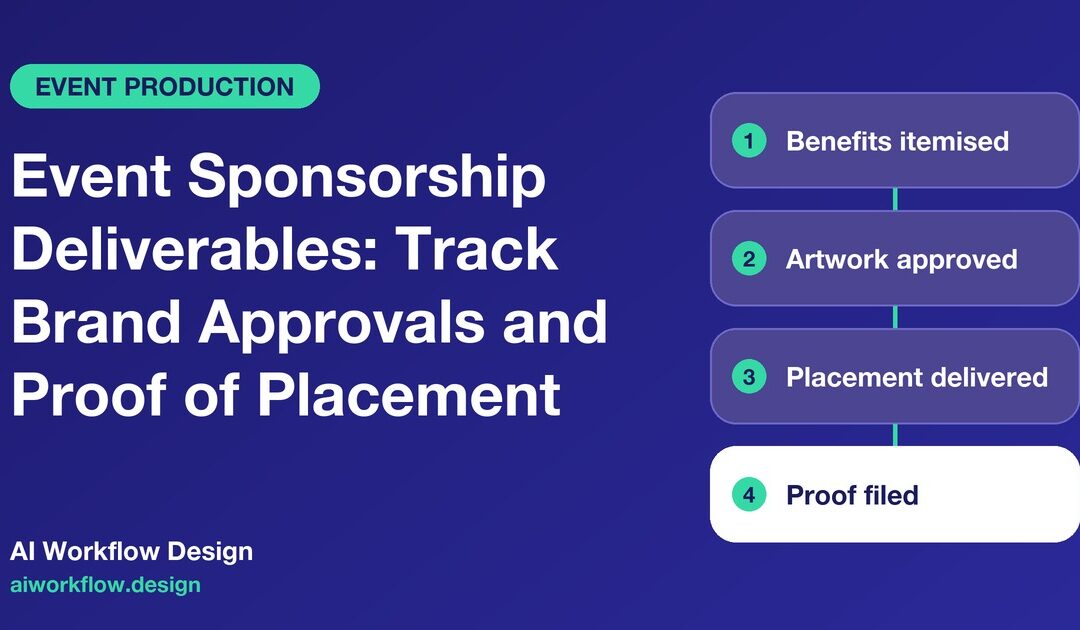
Quick answer: An event sponsorship deliverables tracker turns each benefit in a signed sponsorship agreement into a separately owned task with a due date, required creative, approval route and evidence of delivery. It distinguishes what the sponsor must supply from what the organizer has promised. The tracker can chase missing artwork and record completed placements, but it should never invent a benefit, change contractual rights or claim audience results that the organizer cannot substantiate.
A sponsorship team can sell a strong package and still disappoint the brand. The stage banner is printed with an old logo. A promised newsletter mention is buried in a draft that was never sent. The sponsor’s stand is ready, but the correct access passes have not been issued. None of these failures necessarily starts with bad sales; they usually start with a benefit that nobody translated into a precise delivery task.
The solution is not a larger ‘sponsor checklist’. It is a connected system for agreements, approvals, production dependencies and proof. The first step is to distinguish three categories: contracted organizer obligations, sponsor-supplied inputs, and optional opportunities not yet agreed.
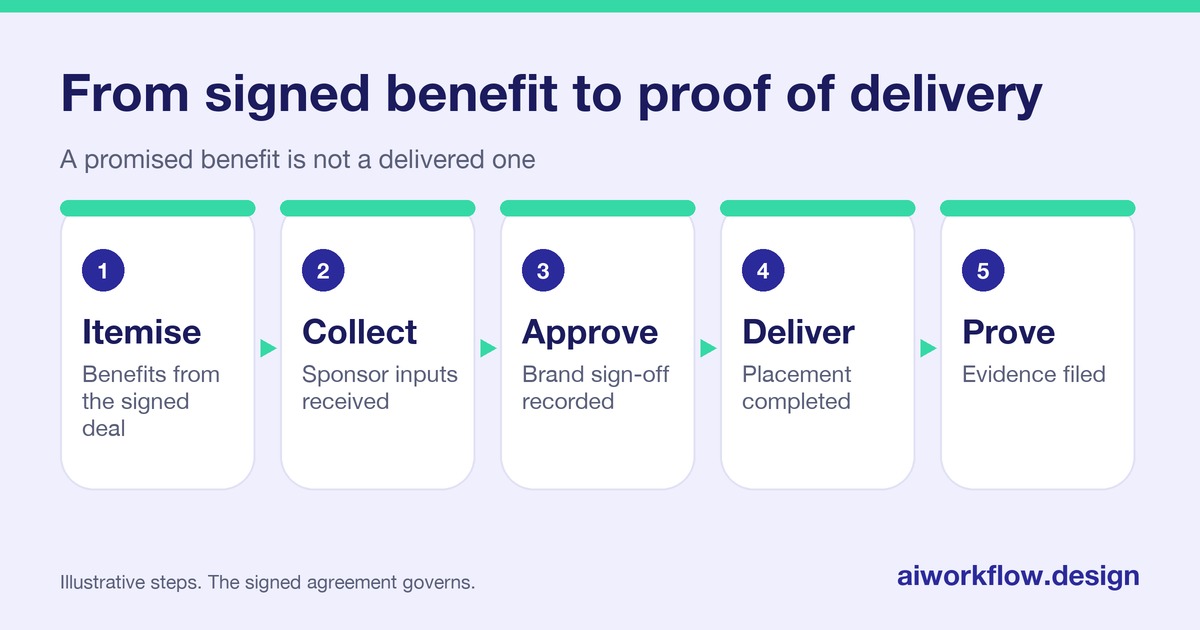
Start from the signed benefit schedule
Read the executed agreement and approved amendments rather than relying on the initial sales deck. A package described as ‘premium visibility’ may include several separate rights: website logo placement, printed signage, an emcee mention, sponsored session, delegate passes and a post-event performance report. Each one needs its own completion test, owner and evidence.
For a banner, define the approved venue location, format, print specifications, installation deadline and how delivery will be verified. For a newsletter, specify which campaign, recipient group where agreed, content approval, intended send window and the evidence of sending. For a hospitality allocation, distinguish a promised quantity of passes from actual attendee utilisation. Do not imply that an unused pass equals a failed organizer obligation unless the contract says so.
Include category exclusivity, sponsor naming, venue restrictions and intellectual-property rules as protected conditions. A logo obtained from a search engine is not an authorized brand asset. If a contract contains unusual usage or cancellation terms, legal or commercial staff should interpret them before the production team acts.
Make every deliverable testable
Use a register with Sponsor, Contract reference, Benefit ID, Exact obligation, Owner, Sponsor input, Input deadline, Organizer delivery deadline, Approval authority, Evidence type, Status, Exception and Final acceptance. A single row labelled ‘all branding’ defeats the purpose. Separate the stage backdrop, event website, entry signage and directional boards even when they use the same logo.
Write acceptance criteria in observable terms. ‘Logo included on the event website at the agreed tier and position, using the sponsor-approved asset’ is stronger than ‘website done’. For a live announcement, a run-of-show cue with post-event confirmation can document fulfillment better than an unverified checkbox. Some benefits, such as networking opportunities, cannot be reduced to a photograph; document the agreed delivery method and limits of available evidence.
The public sponsor report should not reveal internal costs, supplier rates or unrelated attendee information. Decide at the start which material can be shared externally so the team does not gather proof that it later cannot lawfully disclose.
Separate asset receipt from approval
Sponsors often send several logo formats, brand guides, product images, biographies, links and copy. Receiving a file means only that it arrived. It may still be incorrect for print, inconsistent with the sponsorship category or unapproved for public use. Record file version, intended placement, technical checks, the named brand reviewer and approval date.
Use a single approved asset location rather than attachments scattered across email and chat. When a creative is rejected, preserve the revision note. If one logo version is permitted for digital only, make that restriction visible to the print owner. Artwork changes after the print cutoff need a commercial exception decision; quietly substituting an unapproved asset can create a new problem.
Build the approval timeline around production lead times. Signage print deadlines, venue installation windows and newsletter scheduling are different constraints. There is no universal number of days that fits every event; work backwards from actual suppliers, contract terms and the show calendar.
Plan the sponsor’s on-site experience separately
A sponsor who has a stand needs more than branding. Record the activation area, venue-approved layout, required equipment, agreed load-in slot, exhibitor access, utility requests, staffing contact and any rules affecting samples or giveaways. A marketing-approved design does not grant permission to build it in a venue. Site access, fire safety, crowd routes and power connections belong to venue and qualified operational teams.
Link the activation checklist to the main production schedule, but keep each decision’s owner clear. The delivery timeline for a crate is not proof the stand has been installed; installation is not proof the activation has been approved to operate. For guidance on goods arrival and marshalling, see the existing event load-in scheduling checklist.
Where an activation includes collecting attendee leads, agree a lawful data-collection and sharing arrangement. A sponsor’s entitlement to be present at the show does not automatically entitle the sponsor to the entire attendee database. Confirm consent or other lawful basis, disclosures, retention and who can access captured data under the applicable rules.
Create a useful sponsor follow-up cadence
The sponsorship manager should agree the contact route and deadlines with each brand. At a planning checkpoint, ask only about missing items: approved vector logo, speaker biography, activation dimensions, legal copy or named signatory. Follow up again when a blocker affects production. Avoid calling every sponsor every day when the necessary input is already received and in review.
A concise update can read: ‘Your event-site logo is approved; your stage screen artwork needs revision by the agreed production cutoff. We have provided the required dimensions and owner contact.’ That is more useful than a long status report listing every team activity.
If a sponsor misses a deadline, document the effect, available alternatives and authorized commercial decision. The organizer may not have a contractual obligation to absorb unlimited changes; equally, it should not unilaterally cancel a benefit based on an automated missed-call flag. Follow the agreement and record the human decision.
Configure monday.com around deliverables and dependencies
A monday.com board can group tasks by sponsor, by delivery channel or by event phase. Connected items are useful when a single creative approval affects multiple placements. Suggested statuses are Waiting on sponsor → Asset received → Under review → Approved → In production → Delivered → Evidence checked, with Blocked and Change requested as exceptions. ‘Delivered’ is not automatically ‘accepted’.
Permissions matter. Sponsor contacts should receive only the views or forms approved for their own obligations; internal negotiation notes and other sponsors’ commercial details must remain private. Store executed agreements in a controlled location and link the reference rather than pasting sensitive contract language into a general status field.
The AI Workflow Design product overview describes monday.com-connected status-checking options. An approved scheduled check-in may ask a sponsor contact whether an agreed input has been submitted, or ask an event owner whether evidence has been uploaded. It must not approve artwork, change the contracted benefit or certify that a stage placement occurred. For custom workflows connecting an asset library to a delivery board, explore the automation services, subject to access and integration review.
Prove delivery without overstating outcomes
Take screen captures of live digital placements at the appropriate moment, not only screenshots of design previews. Photograph physical installations in context so their location can be seen. Preserve the approved cue sheet and a confirmation for stage mentions or sessions. Record when each item happened and which evidence relates to the contracted benefit.
For measurement claims, distinguish impressions, attendance, actual sponsor interactions, qualified leads and commercial return. A full exhibition hall does not prove the sponsor’s booth received a particular number of visitors. A delivered email is not proof every recipient opened it. Use source-defined metric labels and disclose limitations.
A sponsor recap can include a benefit-by-benefit fulfillment summary, links to proof, audience metrics that were actually measured, known deviations and agreed remedies. The report should enable a sensible renewal discussion, not manufacture a flattering ROI figure.
Resolve common sponsorship exceptions
The logo arrives in the wrong format. Mark the asset received but not production-ready, give the sponsor a specific technical requirement and assign a revised cutoff. Do not ask a designer to recreate a protected brand mark without approval.
The sponsor requests a larger placement. Compare the request with the agreement, venue capacity and exclusivity obligations. Route the commercial decision to the authorized owner before changing production files.
The sponsor misses its activation load-in. The venue controls access. Coordinate a revised operational plan, record any additional costs separately and notify the sponsorship manager of potential contractual impact.
A promised post-event metric is unavailable. State what can be evidenced and why the other figure is unavailable. Do not estimate sponsor leads from general footfall or invent audience reach.
Event sponsorship fulfillment checklist
- Turn each signed benefit into a unique deliverable with an acceptance test.
- Separate organizer obligations from sponsor-supplied inputs.
- Retain version-controlled brand assets and approvals.
- Coordinate activation dependencies with venue operations.
- Flag contract changes before production, not after delivery.
- Capture proof during the event while evidence is available.
- Protect attendee data and other sponsors’ commercial information.
- Issue an accurate recap with exceptions and agreed next actions.
Next step
Want these follow-ups handled consistently? Explore Autoza AI for monday.com or talk to AI Workflow Design about scheduled, permissioned status follow-ups that leave approvals and decisions with the right people. For a companion workflow, read Event Check-In Technology: Test Wi-Fi, Badge Printers and Offline Fallbacks. Related guidance: see our industry automation guides page.
Frequently asked questions
What is an event sponsorship deliverables tracker?
It is a shared register of each contracted sponsor benefit, the person responsible, input and delivery deadlines, approval requirements, proof of fulfillment and any unresolved exception.
Should every logo placement have a separate tracker item?
Yes, when placements differ in channel, specifications, timing or proof. A website logo, printed backdrop and on-site screen placement may share artwork but need separate delivery checks.
Can AI approve a sponsor’s artwork or change benefits?
No. An AI follow-up may record whether a file has arrived or a task owner has responded. Brand, legal, venue and contractual approvals remain with authorized reviewers.
What evidence belongs in a post-event sponsor report?
Relevant dated screenshots, photographs, run-of-show confirmations, agreed attendance or engagement metrics, delivery notes and a clear description of exceptions or substitutions.
What should happen when a sponsor misses its artwork deadline?
Record the missed input, explain the production impact, offer permitted alternatives and seek an authorized decision under the sponsorship agreement rather than silently replacing or deleting benefits.