
Quick answer: A reliable event speaker presentation checklist tracks the latest authorised file for each session, delivery format, rights and accessibility requirements, the AV test result, and the person who approved the stage-ready version. Collecting a deck is not the same as confirming that fonts, embedded video, captions, aspect ratio, presenter notes and transitions will work in the venue. Automated reminders can chase files and unresolved questions; they should not approve claims, licences or the live playback system.
The speaker hands over “Final_Deck_v8_REALLY_FINAL.pptx” thirty minutes before a keynote. The events team has a previous PDF. The AV operator has an older file with a differently encoded video. No one knows whether the revised presentation changes sponsor mentions or introduces unlicensed imagery. In that moment, the issue is not that a file is missing; it is that the event has no controlled release process.
For hybrid conferences and client events, the speaker handoff crosses content, stage management, visual accessibility, equipment compatibility and often third-party permissions. A speaker presentation version control workflow treats these as coordinated decisions while respecting the speaker’s ownership of their material.

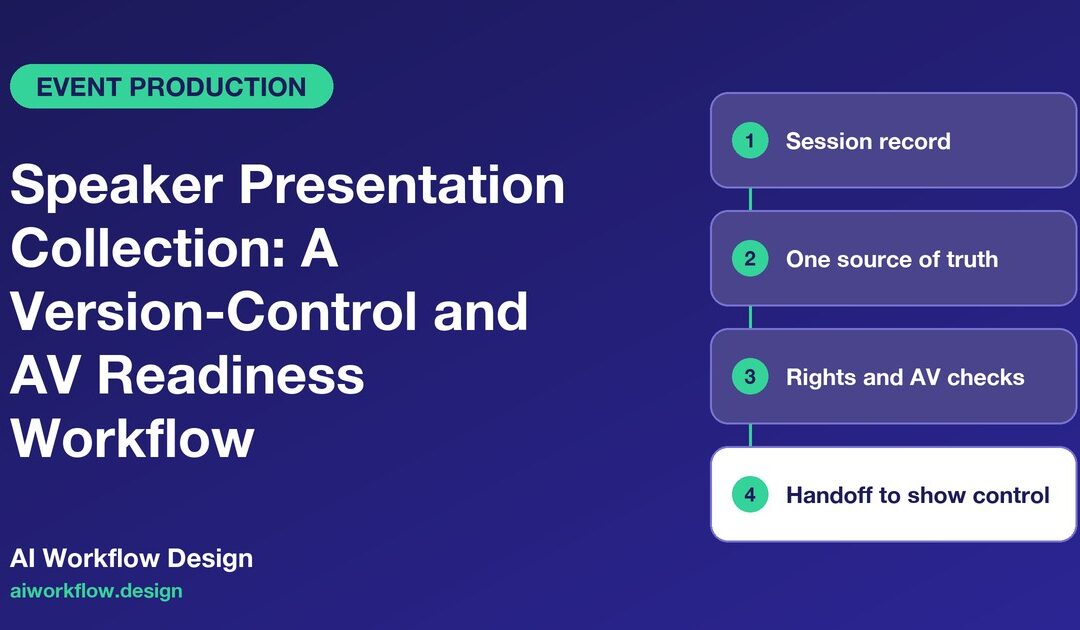
Create a session record before asking for slides
Give every programmed segment a unique session ID. Link the session to its speaker, producer, stage, run time, AV operator, technical rehearsal slot and authorised content reviewer. Record the planned presentation format: live slides, PDF, video, remote screen share, fireside chat or a mixture. The speaker who is delivering a talk and the agency producing its media may be different contacts.
Capture an accessible, clear technical brief. It should specify the expected file format, display resolution or aspect ratio supplied by the AV team, deadline and approved upload method. Ask about embedded video or audio, confidence monitors, live demonstrations, translation, captions and any other access requirements. Do not require a file type or resolution without checking the actual venue system.
At this stage, identify who can approve content modifications. A stage manager can decide when to request a replacement; that does not give them permission to rewrite the presenter’s research claims or override a brand’s legal approval.
Establish one source of truth for files and versions
Speaker decks often live across email attachments, cloud folders, messaging apps and USB drives. The problem is not the number of copies; it is the absence of a clearly named released copy. Use a controlled repository with suitable permissions and create a reference to the file in the event board. Avoid storing unrestricted public links to confidential session materials.
For each version, record the session ID, filename, upload timestamp, uploader, version number, summary of changes and status. Keep old files for audit or rollback according to the organiser’s retention rules. Avoid overwriting “approved” with a newer unreviewed attachment: label it as a candidate revision until the relevant reviewers have acted.
A practical release chain is Requested → Received → Technical review → Content/rights review → Stage rehearsal → Approved for playback → Locked. Where a speaker only provides a PDF with no embedded media, the review steps may be lighter. Where interactive demonstrations are involved, add explicit fallback arrangements.
Check content and usage rights before the technical rehearsal
The event organiser may need permission to show speaker-supplied images, music, third-party video or brand material. A speaker saying “I found this online” does not itself establish reuse rights. Clarify whether recording, streaming, on-demand distribution and later social excerpts are in scope; those rights may differ from permission to display material in the room.
This is a review by the organiser’s authorised content or legal team, not an AI copyright judgment. The tracking system may capture “permission requested”, “evidence received”, and “review approved”. It should not invent an affirmative licence where none exists. If a questionable asset is found, ask the speaker for a permitted alternative in time to test the revised deck.
Accuracy review is another gate. Confirm any required sponsor acknowledgements, naming conventions, regulated claims and brand approvals. For a scientific or technical talk, send substantive revisions to the appropriate speaker or specialist; the production team should not silently rewrite expert conclusions.
Run AV QA on the equipment that will actually play the deck
A file that looks correct on the speaker’s laptop may render differently on the playback computer. Test the released candidate on the designated venue environment where possible. Check slide dimensions, font substitution, image cropping, speaker notes visibility, animation timing, external-link dependence and whether embedded media plays without network access.
For video, verify codec compatibility, sound routing, playback volume and clear start/end cues. If a remote talk is planned, test screen-sharing permissions and audio routing before show day. Record whether the session needs a clicker, a confidence monitor, a handheld microphone or an operator to advance slides. If the requested format is unsupported, document an approved fallback such as a flattened PDF or locally encoded video.
The W3C guidance for accessible presentations addresses factors including readable visuals, good audio and inclusive delivery. For applicable synchronized live media, W3C’s live-caption guidance explains why real-time captions are important. Do not let a production board’s “AV tested” label stand in for an accessibility assessment or legal determination under an event’s actual obligations.
Give every rehearsal an outcome and an owner
Create a checklist for the operator conducting the rehearsal, the stage manager coordinating it, and the speaker responsible for revisions. A pass should identify the tested file version and the test environment, not merely the speaker’s name and a green checkmark. If an issue appears, record how to reproduce it, its impact, remediation owner and retest deadline.
Consider three kinds of findings: blocking (video cannot play), conditional (fallback accepted by the producer), and non-blocking (a minor spacing issue the speaker accepts). The authority to classify issues should be assigned in advance. AI can summarise the issue log, but cannot decide whether an uncaptioned video meets a required access standard or whether a missing rights clearance is immaterial.
Plan the late-change process before the late change arrives
An event should define a content lock time and an exception rule. It is reasonable for a keynote speaker to correct a factual error shortly before stage time, but the change must trigger a controlled review and new rehearsal where appropriate. Store the previous accepted copy and identify the person who chooses which version is played if the new one fails.
Every exception should record the requested change, urgency, affected file version, content/rights approval, AV retest result and the final stage-release decision. Avoid a workflow in which an upload to a shared folder automatically replaces the deck on the playback system. Separate receipt from release.
Where the speaker cannot attend a test, agree on a representative operator or test plan. If no adequate technical test can occur, record the risk, obtain the event owner’s decision and select a safer format. Silence is not technical sign-off.
Make monday.com the production tracker, not the playback repository
Suggested board columns include Session ID, Speaker contact, Stage, Presentation type, File due date, Latest candidate version, Approved version, Rights review, Accessibility review, AV test outcome, Outstanding issue, Change freeze, Rehearsal owner and Stage release authority. Link to files in an appropriately permissioned repository. Board visibility should not expose drafts or proprietary speaker notes beyond authorised staff.
AI Workflow Design’s Daily Check-in Agent may be useful for calling relevant team members for administrative status updates where the consent and configuration fit the project. Its monday.com-native Autoza product is another option for permitted status questions. A custom system integration could help synchronize release states across systems, subject to a separate design and permissions review. None of these claims means the product already operates a presentation playback system.
Keep calls short: “Have you uploaded the agreed file?”, “Did the AV test run?”, “Is there an unresolved technical blocker?”, “Is a revised version expected?”, and “Who will make the final release decision?” Do not transmit private deck content or confidential conference information into a general call log.
Publish a final handoff sheet for show control
Before doors open, generate a concise operator sheet: session order, stage, playback file name and storage path, tested version, cue points, media/audio notes, remote speaker requirements, fallback file and emergency contact. The sheet should reflect the last formally released version, not the last file received.
A post-event debrief can record which file issues repeated, which technical specifications were unclear and how many revisions occurred after lock. The goal is not to punish late presenters; it is to reduce preventable live risk through clear ownership and early testing.
Speaker presentation readiness checklist
- Each session has one accountable producer and AV operator.
- Speaker technical requirements and allowed file formats are confirmed.
- Latest candidate and approved versions are clearly distinguished.
- Rights, brand and factual review gates have named owners.
- AV and accessibility requirements have been reviewed for the session format.
- Rehearsal outcome references the exact tested file.
- Late revisions require explicit approval and, where needed, retesting.
- Show control has a released file and documented fallback.
Next step
Want these follow-ups handled consistently? Explore Autoza AI for monday.com or talk to AI Workflow Design about scheduled, permissioned status follow-ups that leave approvals with the right people.
Frequently asked questions
What should be included in an event speaker presentation checklist?
Track session details, speaker contact, technical format, due date, version history, rights or brand review, accessibility needs, AV test outcome, approved playback copy and fallback plan.
Is receiving a presentation file the same as approving it for the stage?
No. Receipt only confirms that a file arrived. The content, permissions, technical compatibility and agreed accessibility requirements may need separate review before authorised stage release.
Can an AI agent approve speaker slides for copyright compliance?
No. It may remind an owner that a rights review is outstanding and record the status provided. Licence interpretation, content approvals and release decisions belong to the authorised reviewer.
What should happen if a speaker changes slides after the content lock?
Record the revised file as a new candidate, identify its changes, repeat relevant review and AV tests, and obtain a fresh release decision. Keep the previous accepted version available as a fallback.
Can monday.com replace an AV playback system?
No. It is useful as a task and version-status tracker. The event’s AV system, operator procedures and file repository remain responsible for actual playback and technical controls.
Related reading
- Event Accessibility Deliverables: Confirm Captions, Access Routes and Services
- Exhibitor Insurance Certificates: A Pre-Show Documentation Timeline
- Sustainable Event Waste Streams: Tracking Contractor Commitments
- Catering Allergen Controls: A Vendor Evidence Follow-Up Plan
- Event Load-In Scheduling: Prevent Loading Dock and Delivery Conflicts