
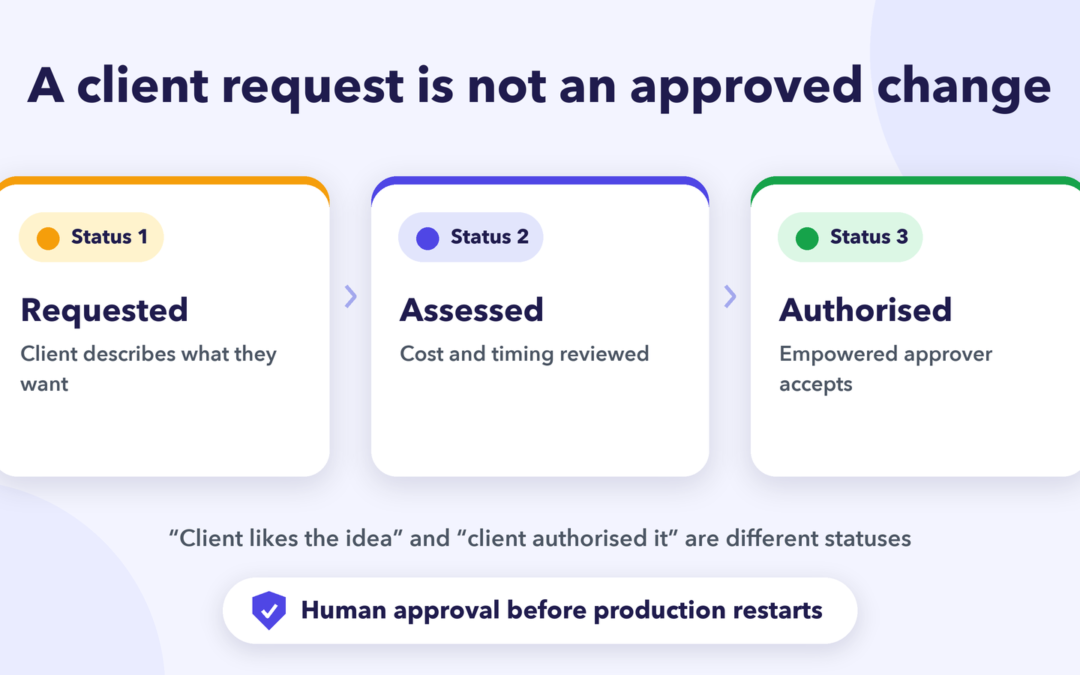
A reliable agency scope change workflow protects the client relationship and the delivery team by distinguishing a new request from an approved change to contracted work. A client’s message that “we also need a landing page” is an input to review, not permission to allocate additional hours, change the fee or move the campaign deadline. Follow-up calls can clarify the request and make the pending decision visible. The actual agreement must be made by people with commercial authority.
Scope changes are not inherently a problem. They may be valuable new work, a correction of the agreed brief or a genuinely urgent requirement. Problems arise when the request moves directly from a conversation to production without checking ownership, fee, timing, dependencies or acceptance criteria. An agency can prevent that jump with a small, well-defined decision gate.
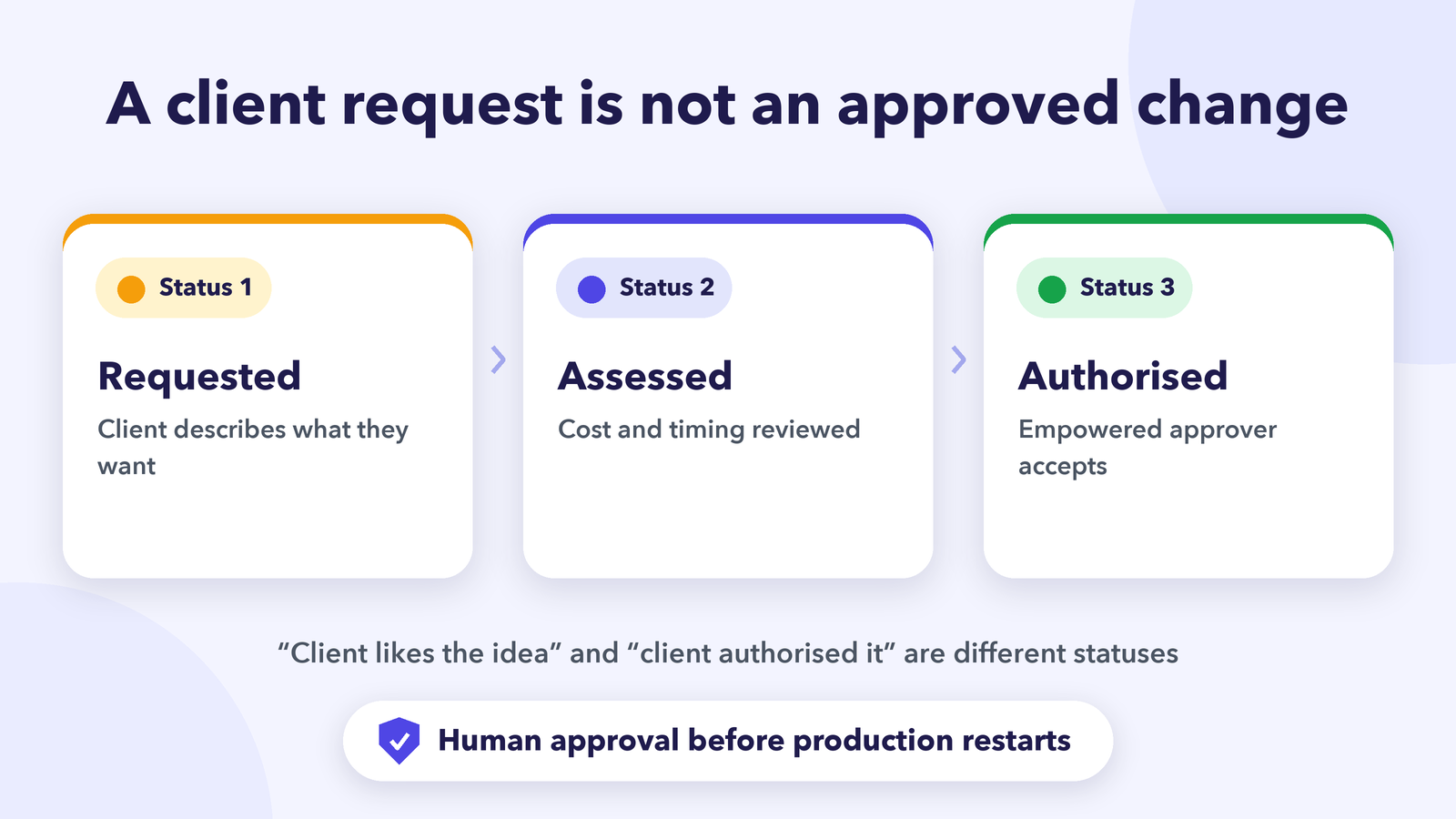
Recognise the four stages of a change request
- Requested: The client or internal team describes what they want.
- Assessed: The account lead and delivery owners clarify whether the work is already included, how it affects cost and timing, and what trade-offs exist.
- Authorised: The empowered client contact and agency approver accept the documented option.
- Released to production: The project owner updates the brief and makes the work ready for the assigned team.
Keep these as separate statuses. “Client likes the idea” and “client authorised the change” are not equivalent. Nor is “designer started exploring it” proof that the request is within scope. An effective board makes the next required decision obvious rather than using one generic “In progress” label.
Changes can also be rejected, postponed, replaced by an alternative or clarified as included in the original agreement. The purpose of the workflow is accurate decisions, not turning every question into an upsell.
Gather the minimum information before pricing
A follow-up should establish what outcome the client needs, why the existing deliverable is insufficient, when the change is needed, what assets or approval decisions are missing and whether another task is affected. Link to the approved brief, current statement of work and request source. Clarify whether the issue is a correction to agency work, new functionality, additional creative variations or a shift in business priorities.
Do not force the person answering the call to guess an exact budget. A product manager or account director may need to translate the request into a scoped estimate. The designer who receives the request may be able to explain dependencies but may not be empowered to offer extra rounds of revision at no cost.
A useful assessment looks at four dimensions: deliverables added or removed, specialist effort, dependencies and approval cycles. Include the effect on already-booked production and any external media spend. A deadline only becomes a revised commitment after the authorised parties agree the option.
Create a decision-ready change item in monday.com
Keep the baseline brief and approved scope linked to the change item. Suggested fields include request ID, originating stakeholder, current deliverable, summary of requested change, scope classification, estimated effort owner, timeline impact reviewer, client decision owner, approved option, and release confirmation. Treat these as recommended fields, not features presumed to be preconfigured in Autoza.
A parent item can represent the change request, with subitems for creative review, SEO or technical feasibility, commercial quotation and signed client response. monday.com’s subitem guidance supports separating work into owned tasks. If a request affects several campaigns, connect the relevant deliverables while keeping each production task’s approval status clear.
Avoid overwriting the original agreed deadline as soon as someone asks for a change. Keep the baseline visible and record proposed dates separately until a decision is made. This gives the account team a defensible history and prevents every request from making progress reports look inconsistent.
Call to clarify a request, not to approve it
A carefully scoped AI follow-up might say: “I’m checking the change request relating to the paid social landing page. Is the requested change still needed, and has the internal marketing lead reviewed the revised brief?” Continue with: “Which specific outcome is missing from the current plan?”, “Is a sample or written instruction available?”, and “Who should receive the assessment for approval?”
Do not ask the AI to commit pricing, waive fees, approve extra spend, publish new creative or assign designers outside the agreed plan. If the client says “yes, go ahead”, retain that as a reported statement and direct it to the human account lead for the documented acceptance process. Only after the signed or otherwise agreed authorisation is verified should the production release field change.
Calls are particularly helpful when a request has several stakeholders and the written thread cannot identify who is waiting for whom. But consent, disclosures, working hours and preferred contact channels still matter. A client who requested email-only communication should not be surprised by automated calls.
Decide what can continue while a request is pending
Use a simple work classification. Unchanged work can usually proceed under the current brief. Potentially affected work should be reviewed so it is not wasted. New or materially changed work should remain out of production until appropriately approved, unless the contract explicitly allows another arrangement. The delivery lead, not the caller, determines that boundary.
A website team can continue an approved technical audit while a proposed visual redesign is being evaluated. A social team should not publish unapproved claim wording merely because a new concept has been discussed. Where timing is sensitive, present the client with options: retain the original deadline and scope; approve added budget or capacity; or revise priorities and sign off the new milestone.
For related approval delays, see how to follow up on creative approvals in monday.com. That process handles review progress; a scope-change workflow handles whether the work itself has been commercially and operationally authorised.
Establish clear escalation and closure rules
Escalate a request when the client wants production to start without agreed scope, when the estimate changes the timeline, or when two stakeholders issue conflicting instructions. Record the conflict and the named decision owner; do not resolve it by taking the most recent caller’s word as authority. If the client withdraws the request, mark it closed with the reason and retain the communication record under the organisation’s retention policy.
Track the time from request to assessment, approvals awaiting action, avoidable rework and open work started before authorisation. These measures reveal whether delays come from unclear briefs, slow internal pricing or absent decision rights. Review them periodically rather than increasing the number of reminder calls indiscriminately.
A demonstration of Autoza AI for monday.com users can help the agency consider scheduled status calls and authorised field mappings. Confirm implementation-specific controls before using any automatic update against client commitments or commercial records.
Frequently asked questions
Who approves agency scope changes?
The client and agency representatives empowered under the contract or agreed governance process. Account managers may coordinate assessment, but a casual message from a project participant does not necessarily authorise extra deliverables, fees or schedule changes.
When should a designer pause work?
When the requested work is materially different from the approved brief, would create unapproved cost, or risks rework while the decision is pending. The delivery lead should identify unaffected tasks that can continue and communicate any deadline consequences.
How can follow-up calls capture new requirements?
Ask what outcome is needed, which deliverable changes, what evidence or example explains the request, and who can approve it. Store the response as a reported requirement for human review; do not let the call itself rewrite the signed scope.
Should every client request become a change order?
No. Some requests are within existing scope, corrections, clarification questions or ideas for a later phase. Assess and classify them consistently before deciding whether a formal amendment is required.
What should happen after a change is approved?
Verify the authorisation, update the brief and revised milestone, assign the new production owner, inform affected specialists and retain the original request and decision trail. The task should become executable only after that handoff is complete.
Related reading
- How to Follow Up on Creative Approvals in monday.com Without Endless Emails
- How to Structure Agency Tasks and Subitems for Reliable Follow-Up
- Daily Calls or Weekly Meetings? Choosing an Agency Follow-Up Cadence
- When Freelancers Miss Project Reminders: A Smarter Agency Check-In Process
- Content Production Handoffs: A Call Plan From Brief to Publish
- New Client Onboarding for Agencies: How to Chase Missing Assets and Access
- Autoza AI for monday.com: scheduled status calls
- Workflow automation services
- Daily Check-in Agent