
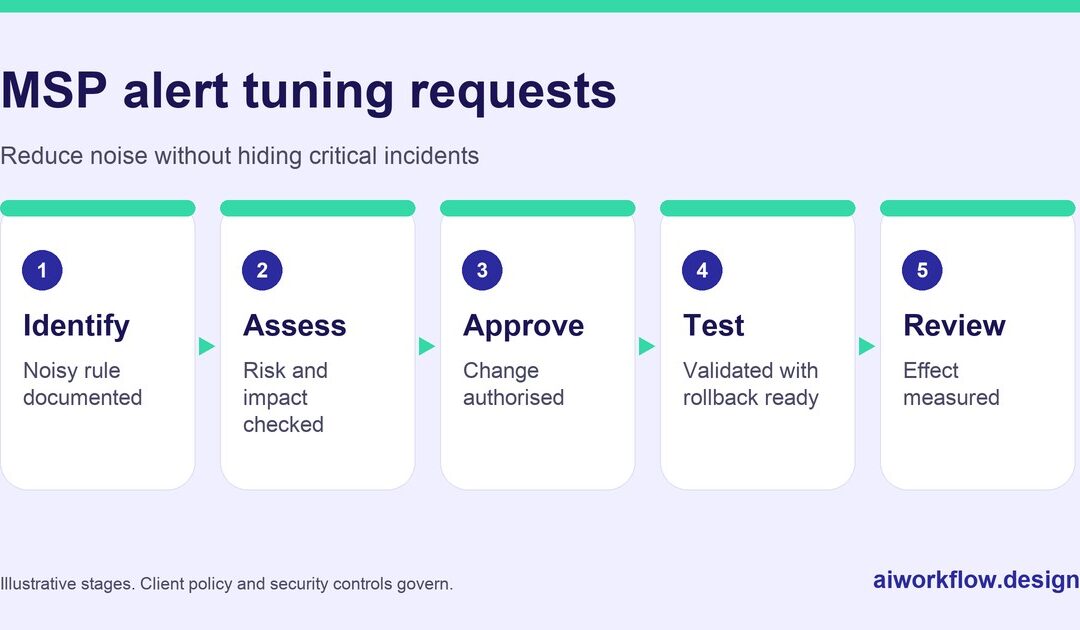
Quick answer: An MSP alert tuning request workflow documents which monitoring rule is noisy, why a change is proposed, its security or operational impact, who may approve it, how the new setting will be tested and when it must be reviewed again. A routine check-in can chase an approval or validation report, but it must not disable a security alert, suppress incident evidence or treat a technician’s casual reply as authorization to weaken detection.
A monitoring queue can be full and still fail to tell engineers what matters. A storage alert fires every night during a legitimate scheduled job; the same authentication event is reported from three tools; a noisy printer generates dozens of tickets while a genuine service outage competes for attention. Teams naturally want fewer alerts. The danger is that “reduce noise” becomes an undocumented change to thresholds, exclusions or log collection that also hides incidents.
Managed service providers need a controlled process that separates three questions: Is the alert technically accurate? Is it actionable for the client? Is the proposed rule change an acceptable risk? The engineer who sees a false positive can propose a fix, but a designated service or security owner may need to approve it. A board that records each decision makes alert tuning repeatable rather than dependent on institutional memory.
Identify what kind of noise you are dealing with
Not every repeated alarm should be handled by raising a threshold. First classify the pattern:
- Duplicate signals: multiple monitoring products report the same underlying event. Consider aggregation or ticket deduplication while retaining original event evidence.
- Known scheduled activity: a maintenance task predictably triggers a condition. Consider narrowly scoped maintenance suppression with start and end controls rather than a permanent global exclusion.
- Threshold sensitivity: an alert fires at a level that does not represent actionable degradation. Review the service objective, historical pattern and evidence before changing the threshold.
- Missing context: a log event cannot be triaged because host, user or workload fields are absent. Improve enrichment rather than removing the event.
- Control gap: the alert is “noisy” because a system is genuinely failing repeatedly. Fix the fault instead of silencing the symptom.
NIST’s Guide to Computer Security Log Management provides foundational guidance on retaining and managing logs. It is not an endorsement of any particular monitoring configuration. A tuning process should maintain enough telemetry for investigation while prioritizing responses according to the client’s security and operational risk.
Eight fields every alert tuning request needs
Record Client and environment, Rule ID, Current threshold or logic, Observed pattern, Business/service impact, Proposed change, Risk reviewer, Test and rollback plan, plus Approval, Implementation date and Review-by date. Include a link to representative sanitized events, not a pasted customer dataset full of usernames and IP addresses if board permissions do not allow them.
The request must describe the exact difference: “Group five identical disk-space events from the same host within ten minutes” is testable. “Make disk alerts less annoying” is not. Specify whether the proposal changes collection, routing, severity, grouping, escalation, notification timing or outright detection. These are different control changes with different consequences.
If a security detector protects high-risk behavior, require security-owner review. If the requested change affects an agreed service-level obligation, include the account or contractual owner. One technician’s local monitoring preference should not silently override the client’s approved coverage.
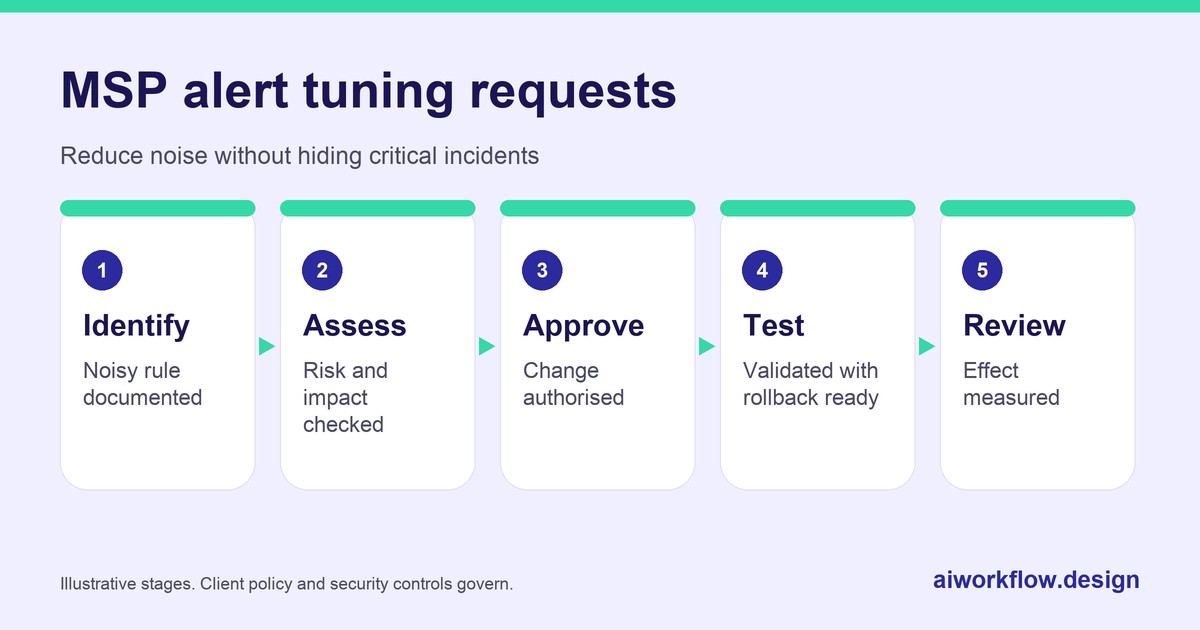
A step-by-step tuning and approval workflow
- Capture examples. Gather a representative time range, ticket history, affected devices and the team’s triage notes. Avoid relying on a single anecdote.
- Confirm the root cause. Check whether the alert results from duplicate collection, expected scheduled work, poor thresholds, missing context or a real recurring failure.
- Define the desired outcome. Identify the event that should still trigger, expected detection behavior and acceptable notification volume. Do not set a target of “zero alerts” without risk analysis.
- Review the change’s risk. An authorized security or service owner evaluates the chance of missed detection and impact on evidence retention or response commitments.
- Test in a controlled way. Use a simulation, parallel rule or staged rollout where feasible. Compare old and proposed logic on representative events, including a true-positive test case.
- Approve and implement. Link the change ticket, approver and effective time. Keep a rollback mechanism and preserve the original rule version.
- Observe after release. Monitor ticket quality, missed events, escalation correctness and unexpected side effects—not just the new daily count.
- Review and retire exceptions. Time-box temporary exclusions and revisit permanent changes when systems or threats change.
If the team discovers a true recurring failure, route it to incident or problem management. Alert tuning is not the correct closure path for a broken service that continues to produce legitimate alarms.
Example: a maintenance window that masks too much
Consider a hypothetical client whose scheduled database backup runs at midnight. The existing monitor reports elevated disk I/O, creating a low-priority ticket during each legitimate backup. The technician proposes suppressing disk alerts every night from midnight to 3 a.m. That might reduce noise, but it could also hide unrelated disk failures during the same window.
A narrower approach could correlate the alert with the scheduled backup job, exempt only the known benign signal and retain high-severity disk-failure monitoring. The team tests scenarios in which the backup fails, storage fills unexpectedly or the disk becomes unavailable. The security reviewer checks whether essential event collection remains intact. This is an illustrative design exercise, not a validated configuration or a recommendation to silence any specific signal without assessment.
The owner may reject the proposal if it cannot be safely scoped. A rejection is a useful governance outcome. It means the alert remains active while the team investigates a better technical fix.
Patching windows have their own controls; see MSP patch maintenance windows.
Track alert changes in monday.com
A monitoring-change board can use Rule identifier, Alert category, Service, Severity, Change request, Current behavior, Risk level, Technical owner, Approver, Test evidence, Implementation status, Review date and Rollback link. Create subitems for historical analysis, security review, simulation, production implementation and follow-up. Store full logs in the approved logging or security platform and reference controlled evidence in the board.
Do not rely on the board’s status to prove the alert actually changed. Integrations need a verified implementation event or an engineer’s controlled confirmation. A request marked “Approved” should not simultaneously appear “Implemented” until a test demonstrates the new configuration behaves as intended.
A leadership dashboard should show open high-risk changes, expiring exclusions, tuning requests awaiting security review and changes with unexpected results. Ticket count is useful supporting context, but it is a poor standalone success metric. The objective is faster recognition of meaningful events while preserving necessary coverage.
How status calls can help without creating a security risk
AI Workflow Design describes status check-ins and monday.com-linked calls. For an appropriately configured process, a short call might ask, “Has the reviewer checked change AL-28?”, “Is the test evidence uploaded?” or “Is a rollback discussion required?” The permitted output is an administrative update or escalation for a human, not a remote instruction to disable a detector.
Avoid asking a voice agent to collect live security logs, passwords, privileged access tokens or details of unpatched vulnerabilities. Do not allow a natural-language response like “yes, looks fine” to trigger a production rule change automatically. A dedicated change-management action with approver identity and technical validation must control that step. The same guardrail applies if a custom workflow automation service integrates the monitoring tool with the task board.
Measure whether tuning actually improved operations
Compare the before-and-after volume of duplicate tickets, analyst handling time, alert-to-incident ratio and false-positive classifications where data is reliable. At the same time, test whether critical true-positive conditions continue to raise the appropriate response. Without the second half, a reduction in volume may simply indicate reduced visibility. Use a defined observation window and note any changes to fleet size or monitored services, otherwise the comparison may mislead.
Keep temporary maintenance windows attached to change tickets. They should expire unless explicitly renewed, and their renewal should consider whether the underlying condition still exists. Document lessons learned when an event is missed, and update the rule review process accordingly.
A reliable closeout rule
Close the request only when the changed logic is documented, risk approval is traceable, representative tests have passed, rollout evidence exists and the post-change review is complete. If the test exposes a missed critical scenario, roll back or keep the item open for further engineering. The aim is not a quieter dashboard at any cost; it is an actionable, auditable monitoring system.
When a pattern turns out to be a true failure, route it to incident handling; see major IT incident customer updates.
Next step
Want these follow-ups handled consistently? Explore Autoza AI for monday.com or talk to AI Workflow Design about scheduled, permissioned status follow-ups that leave approvals and decisions with the right people.
Related guides:
- Major IT Incidents: Coordinate Customer Updates and Follow-Up Actions
- MSP Patch Maintenance Windows: Confirm Customer Notices and Rollback Readiness
More guides: browse our IT services and MSP workflow guides or see all industries we support.
Frequently asked questions
What is an MSP alert tuning request?
It is a documented proposal to change the way monitoring events are detected, grouped, prioritized or routed, with technical testing and risk approval before deployment.
Should repeated alerts always be suppressed?
No. Repetition can indicate a recurring real fault. Determine the cause and preserve important detection coverage before changing the rule.
Can an AI caller disable alerts after receiving verbal permission?
No. Routine status calls can capture review progress. Security-sensitive configuration changes require authorized identity verification, formal change approval and technical controls.
How should temporary alert exclusions be managed?
Give each exclusion a narrow scope, named owner, reason, start and end date, rollback method and required review. Avoid open-ended suppression.
Does a lower alert count prove better monitoring?
Not by itself. Evaluate whether meaningful incidents remain detectable and correctly escalated, alongside noise and workload measures.