
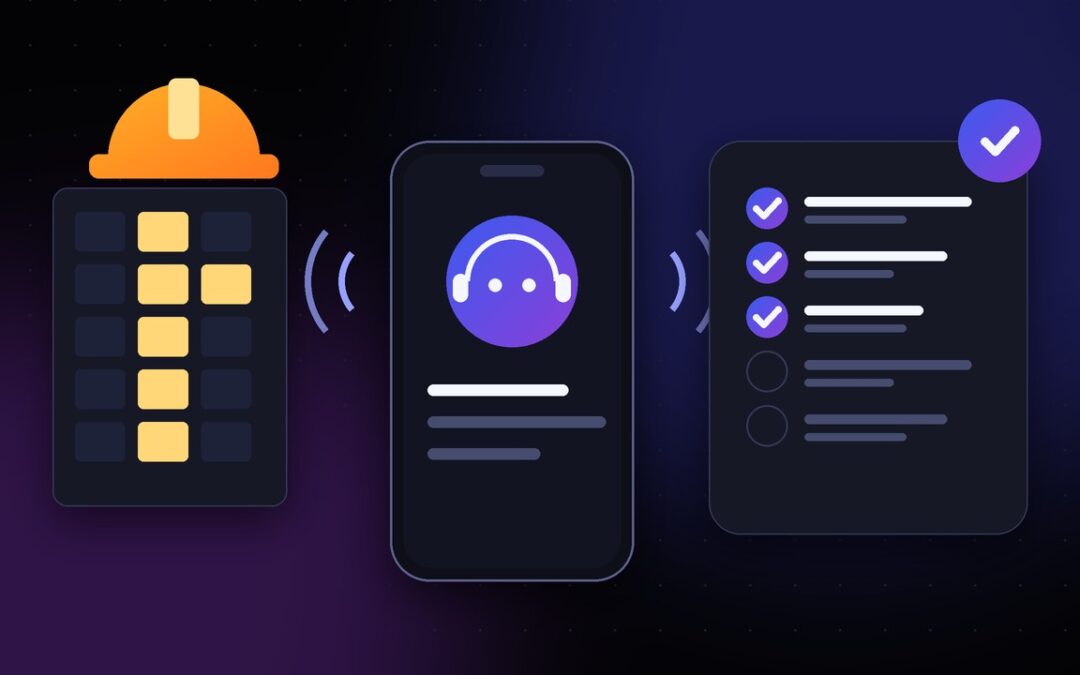
Quick answer: Use monday.com notifications for routine, documented updates that recipients can review asynchronously. Use approved phone follow-ups for time-sensitive, unanswered or complex status questions, particularly when the recipient rarely checks the board. Escalate safety, contractual changes and disputed approvals to people with decision-making authority. Keep the project board as the shared record.
A subcontractor might ignore a project-board alert while standing on a ladder, yet answer a scheduled call during the drive between sites. Another trade lead might prefer a notification because it includes the drawing reference and can be handled after a toolbox talk. Neither channel is inherently better. The useful question is: Which method will deliver the right information, to the right person, in time for the project manager to act?
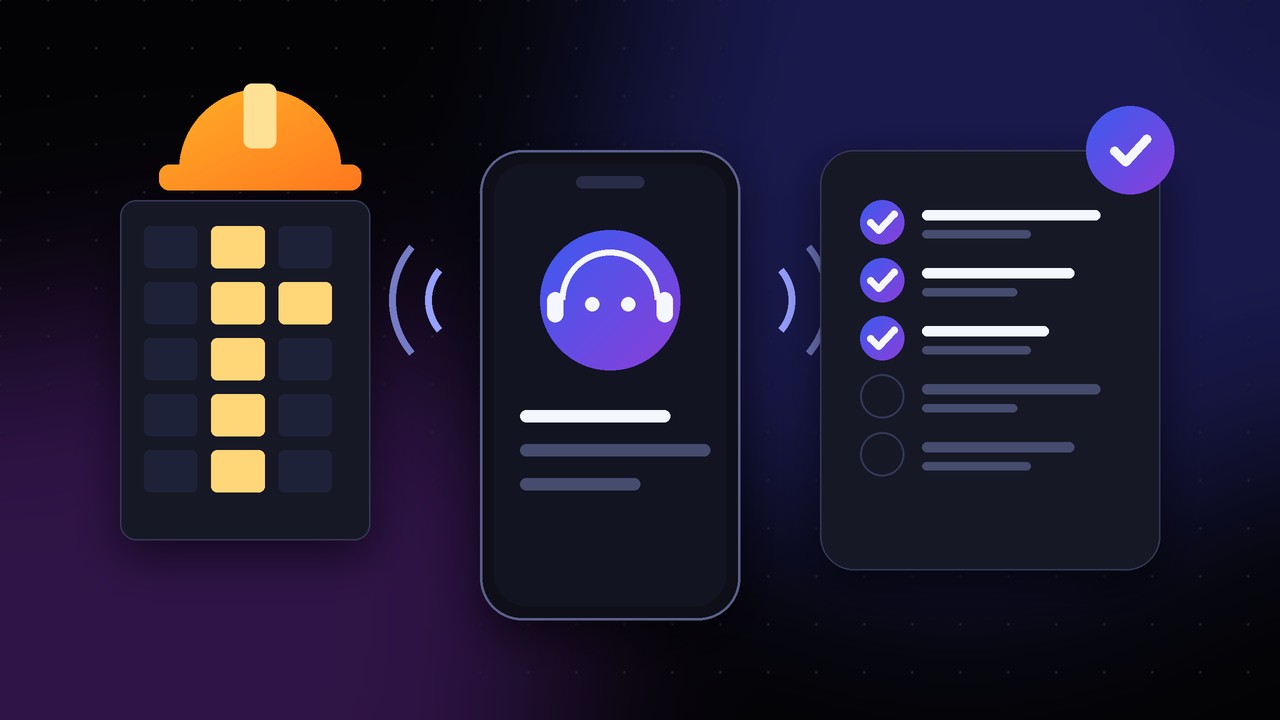
What monday.com notifications do well
Notifications work when the task, responsible person and requested action are already clear. A project manager can assign a task, mention a foreman in an update, or set a due-date reminder without interrupting someone in the field. Unlike a verbal reminder, the written message can include a document reference, a link and a precise deadline.
According to monday.com’s notification documentation, notifications depend on assignments, mentions, item activity and the user’s settings. Subscribing to a board does not guarantee that every board activity produces a notification. Its reminder automation guide also describes date-based reminders. Before assuming a subcontractor was notified, verify that the person is the intended recipient and the configuration actually sends the alert.
Notifications are strongest for drawing reviews, request-for-information ownership, nonurgent due-date reminders, records that should be read carefully and items that need a written response. They are less useful when the recipient has no practical access to monday.com or when a major handoff is blocked by an unanswered question.
When a phone call earns its place
A call is justified when the project needs clarification, not merely acknowledgement. “Did the framing inspection pass, and who has the record?” is different from “Please remember the inspection”. A short call can ask a follow-up question, identify a dependency and reveal that the original task status is stale.
Construction teams often rely on parties outside the main office: specialty subcontractors, short-duration vendors, delivery drivers and site supervisors. OSHA’s contractor communication guidance stresses exchanging information and coordinating work where contractors’ activities affect one another. It does not prescribe an AI calling system. The operational lesson is to establish dependable contact pathways, not to make every conversation automated.
Use a scheduled call for a missing site-readiness confirmation, unresolved materials ETA, an unclear statement of completion, a deadline-sensitive handover, or a repeated lack of response through the board. A human should place or receive the call when the issue is sensitive, disputed or outside the authorised script. If you want to see how scheduled calls work in practice, read how to automate subcontractor progress check-in calls in monday.com.
A decision guide for five common situations
Routine drawing acknowledgment: notification first
If a subcontractor must review a revised drawing by Thursday, send the task assignment and reference link through the board. Request acknowledgement there. An unsolicited call adds little until the deadline is close or the owner has not responded.
Critical next-trade handoff: direct status confirmation
If the concrete contractor must release an area for another trade tomorrow, use a targeted call to ask what is physically complete, which inspections are pending, and whether the next crew can access the area. Capture reported details, but do not substitute the response for authorisation to proceed.
Missing certificate or test report: written request plus call if overdue
Send a written request specifying the exact document and location. If the document is needed before an inspection and no one responds, call the responsible person to establish a delivery time. Record the expected time and escalate if the evidence is still missing. Our pre-inspection follow-up guide explains which construction tasks justify a call before an inspection.
Safety concern: established human escalation immediately
Do not wait for a routine notification cycle or a scheduled AI check-in to address an active hazard. Use the project’s established emergency and stop-work procedures and contact the appropriate supervisor. A phone agent that collects project status is not a safety response system.
General weekly progress: choose the least disruptive method
A subcontractor who regularly updates the board can send a written summary. A mobile crew lead who rarely opens the platform may prefer a brief agreed weekly call. Choose a channel based on observed behaviour and accessibility, not on a blanket assumption that one format gets better response rates. For crews reporting daily, see a better way to hear from field crews.
The hidden difference: an alert versus a usable answer
A notification shows that a prompt was issued. It does not establish that a person saw it or completed the work. A completed phone call proves a conversation occurred, but the answer may still be wrong, incomplete or unsupported. Both channels need outcome tracking.
For a critical milestone, maintain separate fields or notes for: request sent; recipient response received; reported status; evidence requested; evidence checked; authorised decision. This separation prevents a cheerful “all done” response from closing a task that still requires inspection or manager sign-off.
Autoza AI for monday.com describes scheduled calls, configurable questions, board status/notes/timestamp updates, smart retries and call summaries. It can be considered as a phone follow-up layer alongside monday.com. Confirm the exact field mapping and call policy before use; the product’s published description is not a promise that every possible custom column can be changed.
Set a communication policy before switching on calls
Start by segmenting tasks into three lanes. Asynchronous lane: routine assignment, drawing acknowledgment and reference-sharing by board. Scheduled call lane: approved progress questions, vendor arrival status and blocker collection. Human escalation lane: disputed scope, safety, permits, major deadline shifts, contractual commitments and sensitive personal information.
Define a preferred contact method for each subcontractor, along with their time zone, working hours and alternative contact. Explain that AI-generated calls are automated, disclose their purpose, respect opt-outs and apply local legal review to consent and recording arrangements. Schedule ordinary follow-up at a sensible interval; reserve repeated calls for issues genuinely affecting a project dependency.
A no-answer should remain “no answer”. Teams should not automatically assign “late” or “absent” based only on missed contact. If the call is critical, notify the human coordinator for a decision about the next step.
Test the policy on one project first
Pick a small project with recurring contractor handoffs and compare the communication methods for four weeks. Track response time, percentage of updates with a clear next action, number of overdue items requiring escalation, call burden on field leads and how often reported information needed correction. Do not claim that AI calls have saved labour until you have measured a baseline and verified the result.
For example, a renovation manager could leave normal drywall updates inside monday.com, call the electrical foreman two days before ceiling closure, and personally handle unresolved inspection status. That mixed-channel model is usually more defensible than scheduling calls for every minor task.
It helps to create a simple rule: If a message only needs to be read, send it asynchronously. If it needs clarification before another person can work, consider a call. If it needs a formal decision, reach the authorised human. When a call is warranted, these seven construction check-in questions make it productive.
Frequently asked questions
Are monday.com notifications a substitute for subcontractor progress calls?
They can be for routine updates when task owners reliably use monday.com. For urgent unanswered questions or teams that work away from the board, a scheduled call may be useful. Use both selectively rather than replacing one channel outright.
Can we automatically call everyone who misses a due date?
Do not use an unrestricted rule. First decide which overdue tasks warrant calls, whether the recipient has agreed to the contact method, the appropriate hour, and what information the caller may collect or change.
Do automated phone calls guarantee more accurate status updates?
No. A call can collect a clearer answer, but it cannot verify whether work, inspections or paperwork meet required standards. Maintain a separate human review for material claims.
How many times should an AI caller retry a subcontractor?
Set a conservative schedule in advance, with a limit, a quiet period and a human escalation option. The right number depends on urgency and applicable calling rules. Do not repeatedly call during hazardous work or outside approved windows.
Which tasks should never be closed by an AI call alone?
Tasks requiring inspection approval, safety clearance, contract variation approval, quality acceptance or other authorised sign-off should not be closed solely from a phone report.
Use the right channel for the right dependency
The best construction communication system is not the one that sends the most reminders or completes the most calls. It is the one that makes responsibilities, uncertainties and next steps visible without distracting the job site. For a walkthrough of scheduled contractor check-ins with Autoza, visit the monday.com AI check-ins product page; for broader field-operations workflows, see AI Workflow Design’s field-services solutions, or request a guided workflow review.
Related reading
- 7 Questions an AI Construction Check-In Should Ask Before a Milestone
- How to Automate Subcontractor Progress Check-In Calls in monday.com
- Construction Daily Progress Updates: A Better Way to Hear From Field Crews
- Pre-Inspection Follow-Up: Which Construction Tasks Need a Phone Call?
- Autoza AI for monday.com: scheduled status calls
- Workflow automation services
- Daily Check-in Agent