
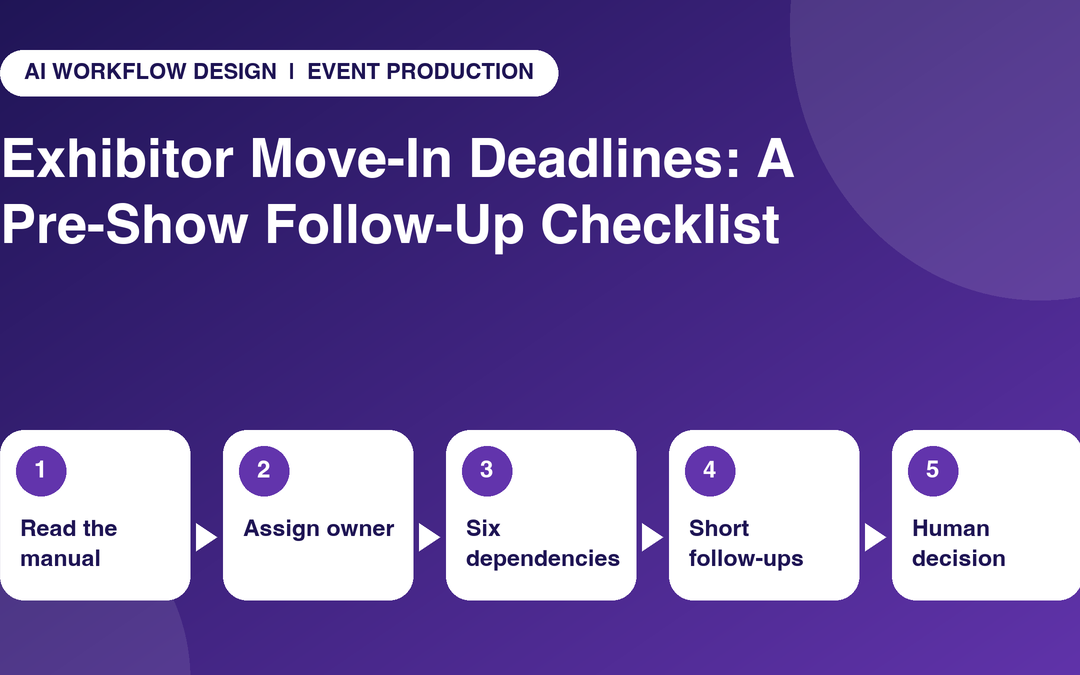
Quick answer: An exhibitor move-in checklist only works when someone follows up on what has not been confirmed. Here is a practical owner-led process for exhibitors, contractors and venue teams.
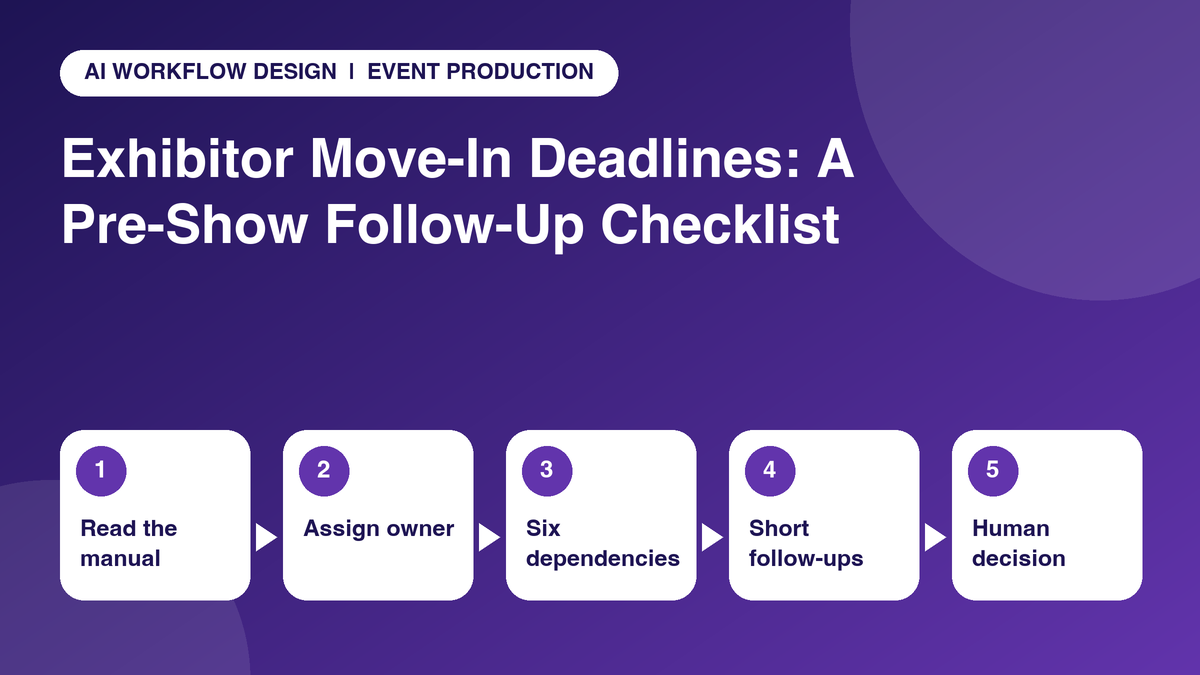
An exhibitor move-in checklist should answer one question before hall access begins: can each exhibitor and its appointed contractors reach the correct space, with authorised materials and services, within the approved window? A schedule that only says “move-in Tuesday” hides differences between shell-scheme booths, space-only builds, carrier deliveries and specialist equipment. Organisers need evidence of readiness before several dependent teams arrive at the same loading dock.
The practical solution is to turn each requirement into an owned task, ask a short follow-up question at the right milestone and route exceptions to a person with authority. Structured voice check-ins can help collect a missing status when suppliers are travelling or exhibitors overlook email, but they do not issue venue permits, approve stand drawings or override safety rules.
Start with the actual exhibitor manual, not a generic event template
The exhibitor manual governs local deadlines and conditions. Record the event name and the current approved manual version on the project board, then extract access hours, construction restrictions, freight routing, mandatory contractor forms, badge registration and service-order cutoffs. One event may have different move-in dates for space-only and shell-scheme exhibitors; another may prohibit wheeled vehicles after a specified hour. Those rules must be read from the organiser and venue, not assumed from an earlier event.
For example, the published SEMICON India 2026 exhibitor guide specifies separate periods for space-only and shell-scheme activity, badge registration, heavy exhibit movement and electrical supply. The point is not to reuse its times elsewhere. It demonstrates why a single “booth ready” checkbox cannot prove that every prerequisite is satisfied. Use task-level milestones tied to the actual event manual and change the checklist when the organiser issues a revision.
Give every exhibitor a readiness owner and a clear escalation route
Make the exhibitor operations lead accountable for the complete record, with named contacts for freight, stand build, utilities, permits and marketing assets. The freight agent can confirm arrival at the advance warehouse without knowing whether the contractor holds a valid badge; the contractor can confirm personnel but not venue loading-dock capacity. Ownership must match the question being asked.
Choose one exception owner at the organiser level. When a contractor reports that its vehicle is arriving outside the approved slot, the caller should record the reported conflict and alert that owner. It must not promise a new delivery window or tell a driver to bypass security. Send the venue team the facts it needs: affected booth, vehicle type, planned arrival, approved window and the specific authorisation requested.
Check the six dependencies that most often collide during move-in
Use separate confirmation checkpoints for freight manifest and arrival slot; contractor induction and permits; badge names and credential issuance; booth drawing or stand-plan approval; electricity, internet and rigging orders; and onsite contact details. The exact requirements vary, but each item should have a due date, named owner, latest accepted evidence and unresolved exception category.
Do not confuse submission with approval. “Drawing uploaded” means the organiser may still need to review it. “Badge request sent” does not necessarily mean the person can enter the hall. “Electricity ordered” does not prove the connection is live. Keep a separate reported status, verification status and final permission where appropriate. This three-step distinction prevents a friendly phone answer from appearing to override the venue’s formal process.
Schedule short follow-ups before the dependency becomes a crisis
A useful cadence may include an initial readiness sweep after the exhibitor service kit is issued, a focused check before non-refundable orders or document cutoffs, and an exception-only call before the first approved access window. These are planning examples rather than fixed industry rules. Set exact timing against the venue manual, contractor shift patterns and authorised calling practices.
Ask only what a recipient can reasonably know: “Has your booth drawing received written approval?” “Which freight reference belongs to this delivery?” “Is the exhibitor badge issued or still pending?” “Do you need the organiser to resolve a loading slot?” Record the answer, person and time; when a crucial item is uncertain, request documentary evidence through the official upload process rather than collecting sensitive material by voice.
Map the check-in results into a usable monday.com board
An illustrative monday.com board could contain Exhibitor/Stand ID, Requirement, Owner, Manual deadline, Planned move-in slot, Reported status, Evidence link, Verified by, Escalation owner and Last contact. One item can represent the exhibitor, with subitems for badges, freight, electrical orders and booth approvals. Use labels such as “Awaiting response”, “Reported ready”, “Evidence pending”, “Approved by venue” and “Escalated” only after the organiser agrees what each means.
monday.com project boards support progress, task ownership and dependency views. AI Workflow Design’s AI agent product overview describes Autoza AI as a scheduled status-calling option for monday.com users. Treat any example field mapping here as a proposed configuration that must be checked with the product team. The phone workflow should update only authorised status fields and leave official venue approval records intact.
Use a decision rule for late or conflicting responses
Treat “no answer” as a contact outcome, not evidence of a no-show. If the exhibitor sends a valid update by email or the service portal, close the contact task without calling again. If a critical deadline is about to expire and the contact cannot be reached, transfer the issue to the appropriate exhibitor services manager. For safety, access and design exceptions, the venue or authorised organiser makes the decision.
If a carrier states that freight is delivered but the booth team says it has not arrived, capture both accounts and the carrier reference. Do not automatically mark the delivery complete. A human should review tracking information, identify whether goods reached the dock or stand, and issue accurate directions through the freight contractor.
Measure readiness, not the number of calls placed
For a small pilot, monitor the percentage of required submissions verified before each cutoff, open move-in blockers by exhibitor, average time from an exception report to owner assignment, and last-minute access changes. Count calls only as a supporting indicator: more attempted calls can signal a poor contact list rather than better event preparation.
After the show, retain a concise lessons-learned record that identifies which upstream confirmations prevented late handoffs. A repeatable process should make the next exhibitor service kit easier to manage without turning every minor task into another interruption.
Practical checklist: steps to put into the next workflow review
- Use the current exhibitor manual and approved access calendar.
- Confirm stand type, stand ID and responsible onsite lead.
- Verify freight reference, approved delivery method and move-in window.
- Check contractor badges, inductions and mandatory declarations.
- Separate service orders from confirmed installation or supply.
- Escalate rejected drawings, missing permits and schedule conflicts to humans.
- Reconcile verbal reports with official evidence and owner sign-off.
Illustrative status-to-decision mapping
The following is a proposed workflow example, not a default configuration or an authorisation to make operational decisions automatically.
| Checkpoint | Person to ask | Reported evidence | Human decision |
|---|---|---|---|
| Freight arriving | Logistics contact | Shipment reference and approved slot | Freight manager checks the receiving record |
| Booth approval | Stand contractor | Written drawing/stand approval status | Venue/organiser decides access |
| Electricity order | Exhibitor service lead | Ordered, installed, tested | Official services provider confirms |
Where scheduled AI check-ins may help
For approved monday.com tasks, structured calls can capture relevant progress and flag unresolved actions for a project manager. The Autoza and AI agent overview describes scheduled status calls, board updates and summaries. Set scripts, call windows, consent and disclosure, permitted update fields, retries and human escalation with the implementation owner before a live rollout. Keep original documents and final authorisations in the relevant system of record.
If a call is unanswered, record “no response” rather than inferring non-attendance, rejection or completion. Do not let a generated summary substitute for an official permit, signed creative proof, technical test, warranty decision or customer agreement. For mobile teams, a suitable non-call update channel should remain available when someone is driving or working in unsafe conditions.
Next step: review one real workflow
Choose a real but non-sensitive project, identify the follow-up questions that currently delay a decision, and review them with the people who own the task and the approval. Explore AI Workflow Design’s products or browse its existing automation articles to see how scheduled calls can complement current systems without replacing experienced event and service operations teams.
Frequently asked questions
What must exhibitors confirm before move-in?
Confirm the approved access window, freight route, stand design approval where required, badges, contractor requirements, ordered services and the onsite contact. Use the specific event manual because requirements vary by organiser and venue.
Who controls loading dock times?
The venue, organiser or appointed freight contractor usually controls the relevant access and dock process under the event rules. A caller can collect the requested slot and flag conflicts but cannot issue access permission.
What happens if a stand is not approved?
Flag it as an approval blocker, identify the document or condition outstanding, and escalate to the authorised organiser or venue reviewer. Do not label the stand ready or permit work until an official decision is recorded.
How often should exhibitors receive readiness calls?
Use milestone-driven follow-up tied to document and delivery cutoffs. Avoid repeated calls once proof is available or a human is actively handling the exception.
Can AI voice updates replace exhibitor portal documents?
No. Calls may gather status and identify missing actions, but written permissions, permits, plans and safety declarations belong in the prescribed official systems.
Related reading
- Building a Run-of-Show Follow-Up Schedule Across Multiple Vendors
- How to Run Vendor Readiness Calls Before a Major Event
- AV and Stage Setup Check-Ins: What an Event Producer Should Ask
- Venue Access and Load-In: Who Confirms Each Event Logistics Milestone?
- Sponsor Artwork Deadlines: Follow Up on Event Branding Deliverables