
Quick answer: Reliable property preventive maintenance vendor scheduling starts with the asset record, not the phone call. Confirm readiness and access before each visit, record the outcome in separate statuses (attended, rescheduled, no access, partial, reported complete), and let an authorised person verify the service report before closing the task.
A reliable property preventive maintenance vendor scheduling process starts long before a technician reaches the site. The property manager needs to know which asset is due for service, who owns the appointment, whether site access is organised and what will count as acceptable proof of completion. A calendar entry alone answers none of those questions.
Scheduled check-ins can help when contractors work across multiple buildings, but they should supplement an asset register and authorised review rather than replace them. Here is a practical workflow for portfolios using monday.com and Autoza AI to gather selected vendor updates.
Start with the asset, not the phone call
Preventive maintenance differs from a reactive repair. It is planned for an asset or system at an interval determined by the manufacturer’s instructions, actual use, conditions, contractual obligations and applicable requirements. An urgent water leak still needs the emergency process; it should not wait for the next scheduled vendor check-in.
Create or maintain an asset record that identifies the building, location, equipment ID, service scope, interval, last verified service, next due date, responsible contractor and record location. An asset register, criticality rankings, planned work and feedback on actual completion are the fundamentals that make follow-up meaningful.
A service can appear ‘on schedule’ while access, materials or the approved vendor are unresolved. Make those conditions visible before the planned date so the property manager can intervene while a new slot remains possible.
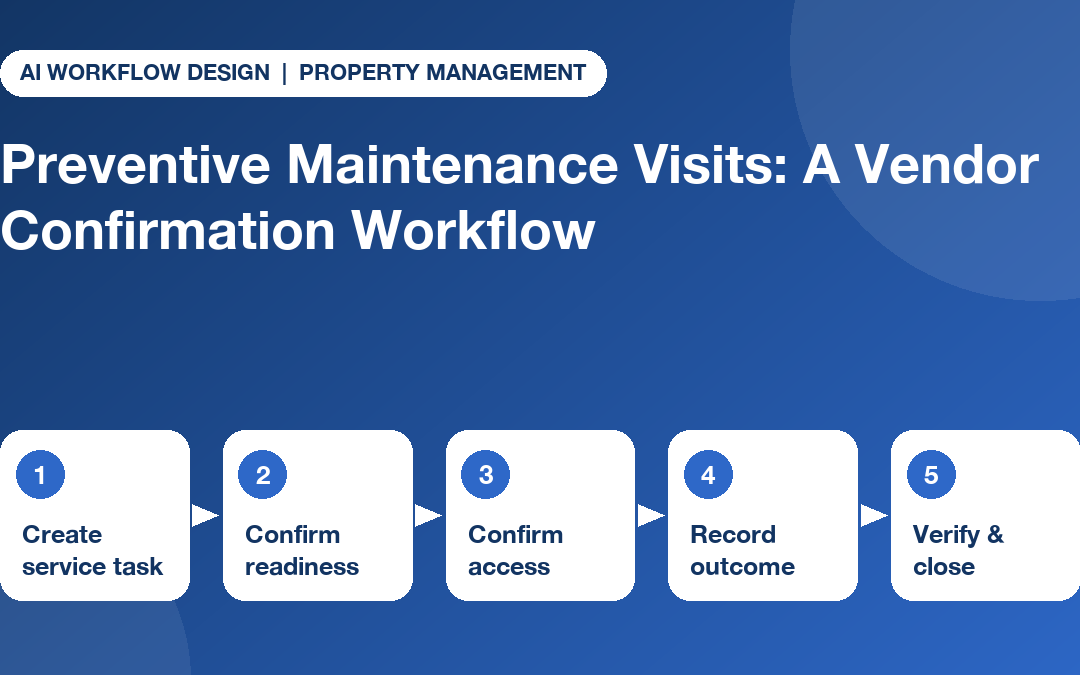
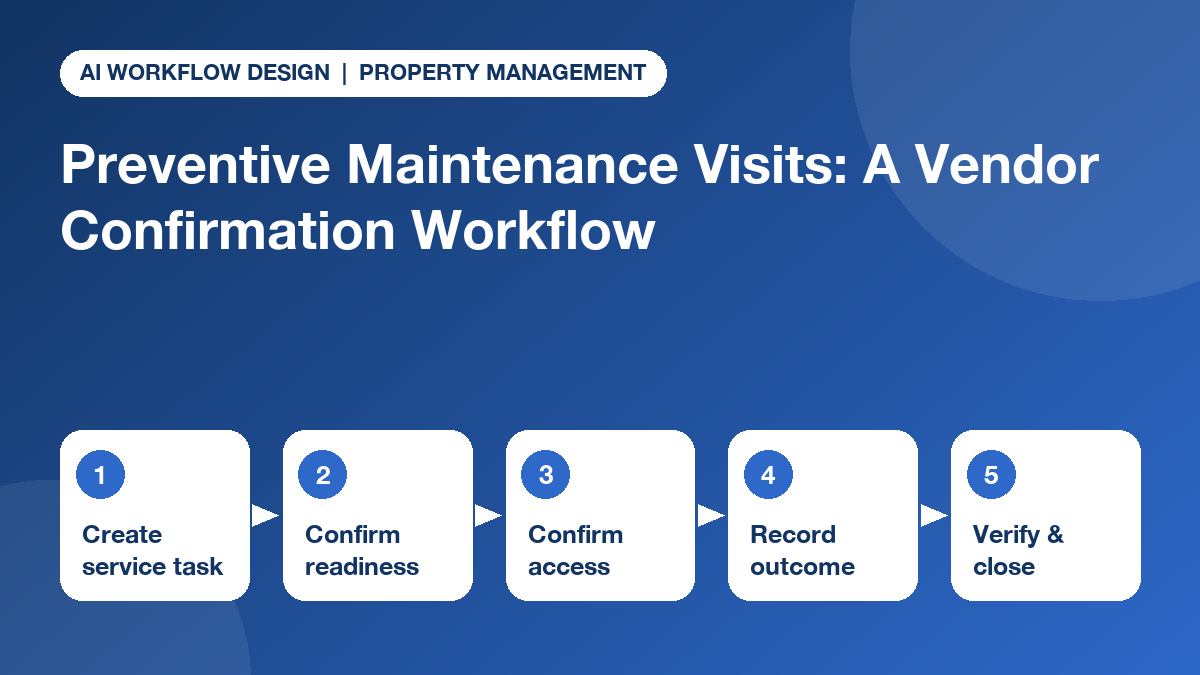
A five-stage vendor confirmation sequence
- Create the service task. Link the maintenance work order to a specific asset and service requirement. Identify the party authorised to confirm the appointment, the technician’s expected access route and any resident-notification obligations.
- Confirm readiness. Before the visit, ask the vendor whether the appointment remains agreed, whether a qualified person is assigned, whether required parts are available and whether any site constraint prevents arrival. Record a changed ETA as a vendor report, not a guaranteed arrival time.
- Confirm access independently. The building office checks keys, escorts, shutdown windows and notices. Do not ask an AI caller to grant access, disclose lockbox codes or decide whether entry is legally permitted.
- Record the visit outcome. Separate attended, rescheduled, no-access, partial service, reported complete and no response. If the vendor reports an issue, create a review task rather than silently closing the maintenance obligation.
- Verify evidence and close. A supervisor checks the service report, required tests and any follow-up defects. Only a person with the proper authority marks a critical service complete or signs acceptance.
These stages can be maintained in a maintenance board, with vendor calls used only for the points where a spoken update helps resolve uncertainty. If a visit ends with no entry, continue with our no-access maintenance visit rescheduling guide.
Recommended monday.com columns and statuses
For a portfolio, one parent task can represent a scheduled service visit and subitems can identify preparation, access, service and verification. The following fields are an illustrative board design, not Autoza’s default configuration:
- Asset and location: A unique asset reference, building and room or unit identifier appropriate for the vendor.
- Scheduled date and owner: Agreed appointment time, responsible contractor and internal coordinator.
- Reported visit status: Confirmed, awaiting reconfirmation, rescheduled, no access, partial work or reported complete.
- Verification status: Not reviewed, evidence requested, accepted or remedial work required.
- Evidence and next action: Link to the authorised service system, document owner, next due date and escalation deadline.
Keeping ‘reported complete’ separate from ‘verified complete’ is essential. Our guide to mapping vendor call answers into maintenance status fields explains why a status returned by phone should not automatically approve or close a work order.
Ask questions that produce a useful next action
A useful check-in is short and associated with one task. Ask: ‘Are you still scheduled to attend the equipment service on the agreed date?’ ‘Is access or specialist equipment needed from the property team?’ ‘What could prevent the visit?’ ‘Who should we contact about that blocker?’ Follow-up after the visit can ask for service attendance, outstanding issues and where the formal report will be submitted.
Do not collect private resident information, payment details, door codes or safety-critical test values via an unapproved call process. The AI should identify itself where required, follow agreed calling hours and record only the fields the organisation has approved.
Consider a common situation: a rooftop unit service is booked, but the contractor says the replacement filter has not arrived. The useful automated update is ‘parts unavailable, vendor to confirm new ETA’; the useful human action is to assess the risk, notify affected teams and decide whether the work can safely move. A ‘done’ or ‘not done’ checkbox would hide the operational problem.
Set escalation by asset criticality
Treat a blocked decorative-lighting service differently from an overdue service affecting a critical building system. The coordinator should maintain a risk-based priority, not let an AI model infer one from the vendor’s tone.
A reasonable example policy is to escalate a missing confirmation for a high-criticality asset before the maintenance window, while giving a routine visit a bounded retry. Failed calls should retain an explicit ‘not reached’ label. Safety alarms, active leaks and other urgent situations belong in the established emergency route, not a scheduled calling queue. Distinguishing emergency response from routine preventive work is also the reason to review which repair updates need human attention.
What Autoza changes, and what it does not
The published Autoza AI for monday.com description includes scheduled start-of-day and status calls, board updates, summaries and retries. Used against properly configured project tasks, those capabilities can reduce repetitive status collection. But the product should not be presented as a certified maintenance-management system, a resident access authority or a compliance inspector.
For teams considering scheduled calls, a practical starting point is a narrow pilot: one building, one non-critical asset class, one vendor group, an agreed script and a reviewer who checks the resulting records. Measure how many confirmations led to a clear next action and how many required manual correction before expanding.
A property manager’s implementation checklist
- Audit the asset list for missing service intervals, owners and work-order links.
- Define which appointment updates may come from a voice check-in and which need documentary proof.
- Set access and resident-notice checks outside the AI calling workflow.
- Keep attempts, reported status and verified closure in separate fields.
- Review critical-system exceptions through a qualified human process.
- Agree a realistic calling cadence and an opt-out or alternative channel where necessary.
A well-run programme does not celebrate the number of calls made. It records whether visits happened as planned, whether required evidence arrived, and whether an accountable person resolved exceptions before the next service was due. For weather-driven programmes, pair this workflow with a seasonal property maintenance checklist.
Explore scheduled maintenance follow-up
If your team already manages maintenance projects in monday.com, review Autoza’s scheduled calling workflow and discuss a focused setup. Start with an approved vendor-confirmation use case and keep service verification with the responsible facilities professional. Explore more property management workflows too.
Frequently asked questions
When should preventive maintenance visits be reconfirmed?
Use a risk-based window. Routine visits may need a check shortly before the appointment; access-sensitive or critical systems warrant an earlier confirmation and a final same-day check. Set timing against service agreements, manufacturer requirements, tenant notices and operational impact, rather than one universal rule.
What evidence proves that a vendor finished the service?
A phone answer confirms only what the vendor reported. Require a work order or service report linked to the asset, with the required checklist, test readings, parts, photos or certifications, then have an authorised person review it against the scope before marking the task verified.
Who is responsible for checking critical building systems?
A qualified, authorised technician or inspector must perform required checks, and the property or facilities manager must verify completion under the applicable procedure. An automated call can collect the claimed status or flag a missing report, but cannot certify fire, lift, electrical or other safety-critical systems.
Can scheduled AI calls replace a property maintenance calendar?
No. The calendar or approved work-management system defines service intervals and obligations. A calling workflow can help collect responses against selected tasks; it should not independently invent service dates or override manufacturer, regulatory or contract requirements.
How should a missed vendor call be handled?
Record the attempt as no response, not as a missed visit or completed work. Follow an approved retry rule, then alert the coordinator before access arrangements or another trade are affected. Critical work may require immediate human contact through the existing escalation channel.