
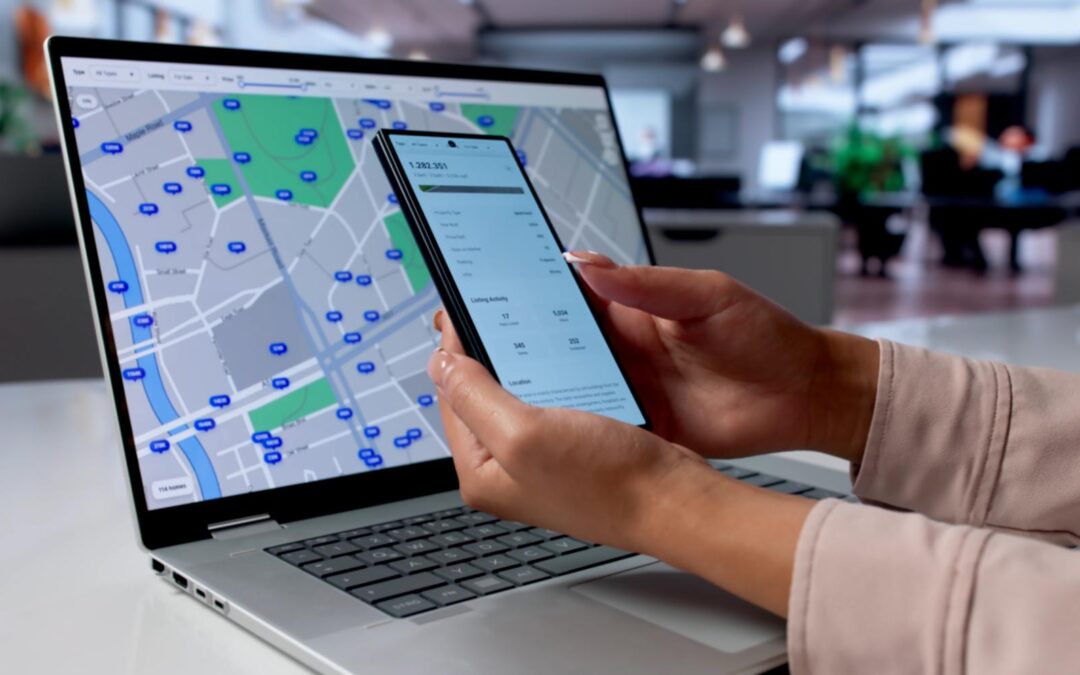
Quick answer: Use portal notifications for routine assignments, written instructions, document exchanges and normal status changes. Use agreed vendor calls when a repair dependency is time-sensitive, the previous update is incomplete or a contractor is unlikely to use the portal promptly. Escalate emergencies, disputed completion, access and safety matters to an authorised human. Preserve a written work-order record regardless of the communication channel.
A property-management portal can tell a contractor that a ticket is open, yet leave the coordinator unsure whether anyone has booked the visit. A phone call may confirm an appointment in seconds, but it can also draw staff away from higher-priority work if every routine request triggers another call. The goal is not to replace the portal with a robot on the phone. It is to send each update through the safest, least disruptive channel that can resolve the issue.
What a property-management portal does best
A portal provides continuity. It can show the original request, authorised scope, service dates, attachments and staff decisions. A vendor can read instructions without interrupting the resident or coordinator. Notifications are useful when the required action is clear, such as confirming a visit, uploading a completion note or reviewing a revised scope.
The limitation is that a notification and an action are different things. The system may record a message as sent even while the vendor has not read it; a message may be read without the expected appointment being made. Good operations distinguish request issued, response received, work performed and outcome verified.
If your maintenance projects also use monday.com, its notification settings and triggers depend on assignment and personal or board settings. Check who should receive alerts before concluding that a recipient ignored a message. The monday.com notifications guide explains which activity produces an alert.
When a vendor call is more useful than another notification
Call when you need a specific answer before a known operational deadline. For example, a unit is due for move-in on Saturday but the floor repair team has not confirmed the Friday visit. A short call can ask whether the visit is booked, whether materials are available and whether any access arrangements are outstanding. Our move-in deadline repair completion checklist shows how to sequence those checks.
Another useful scenario is an incomplete status update. A vendor may select “in progress” without identifying the required replacement part or proposed revisit. A targeted conversation can gather the next action. If the project management system is the shared record, the answer should be entered there rather than left in voicemail. For the field-by-field approach, see how to map vendor call answers to monday.com maintenance status fields.
Autoza AI for monday.com is presented as a scheduled status-calling product that logs answers and summaries to monday.com. It should be evaluated for project follow-up on authorised boards. The separately described property-management AI receptionist deals principally with inbound calls and property-system workflows. Do not assume the two products have identical integrations, field mappings or escalation responsibilities.
Five repair situations and the right response
1. Routine preventive-maintenance appointment: portal first
Send the scope, agreed service window and confirmation request through the normal system. Use a follow-up call only if the vendor has not acknowledged the assignment by the agreed checkpoint and a missed visit would affect operations.
2. Work done, evidence missing: written request with a targeted follow-up
If the vendor reports completion but has not supplied the required photo, test result or sign-off, request the evidence through the approved document channel. A call can confirm the delivery time; it should not certify the repair’s adequacy.
3. Resident unavailable for access: staff-led coordination
A vendor may need a revised appointment, but property access has privacy and security implications. Have an authorised coordinator confirm access terms with the resident through an appropriate channel. Do not casually read entry codes, tenant details or security information into a recording.
4. Active leak or serious safety concern: human emergency pathway
A burst pipe, gas smell, fire alarm or other urgent condition should trigger the established emergency procedure, not a normal portal reminder and not a scheduled AI retry. Qualified people need to assess and respond. The status system should document what was escalated and by whom.
5. Conflicting closure claims: inspection or human review
If a vendor says the problem is fixed but a resident says it remains, keep the work order disputed. Assign human review with the required evidence. A status call may collect both accounts, but it should not automatically decide which is correct.
Build a channel-selection policy that staff can use
Classify updates along three dimensions: urgency (how long can the matter safely wait?), certainty (do we need clarification or just a written acknowledgement?) and authority (is this merely reporting, or does someone need to approve an action?). This makes it easier to select portal, phone or a direct supervisor handoff without relying on personal preference alone.
Low-urgency, clear instructions generally belong in the portal. Moderate-urgency unanswered dependencies may justify an approved vendor call. High-urgency incidents or disputed decisions belong with qualified people immediately. The system should store the chosen next action and owner, not just a generic “escalated” tag.
The IFMA vendor and contract management guide frames vendor oversight in terms of scope, accountability and monitoring. A channel policy serves the same objective: it makes clear who must confirm service delivery and how managers know whether vendor commitments were met.
Write calls that capture facts, not excessive detail
A productive repair follow-up can ask: “Was the visit completed?” “What work was performed?” “What remains open?” “What is the next visit date?” and “Does the issue need immediate human attention?” Questions should refer to the authorised work order and avoid unnecessary personal data. If the vendor begins sharing a resident’s sensitive information, the call design should direct that detail to a secure human or approved system instead.
Configure permissible calling windows, recipient disclosures and reasonable retry limits. A missed call should be recorded as no answer rather than a presumed missed service appointment. Legal requirements for consent, AI disclosure, recording and privacy depend on the jurisdiction and should be reviewed before production use.
Use a two-step closure process
Step one: reported outcome. The vendor provides a description of the work done, any remaining problem and evidence location. The system records the contact and next step.
Step two: authorised acceptance. The designated reviewer applies the organisation’s closure rule, which may require inspection, resident confirmation, invoice review, warranty documentation or another check. Only then should the final status reflect verified completion.
This division is especially important for repeated leaks, essential services, hazardous equipment and complaints with conflicting information. It also keeps the calling assistant within a defined role: collecting attributable project updates.
Measure meaningful outcomes, not call volume
Review overdue work orders with no next owner, repeat calls caused by missing information, proportion of vendor reports that lacked evidence, and the time between a blocker being reported and a person taking action. Compare before and after periods carefully, using similar maintenance work and seasonality. A higher call count may simply mean more interruptions; it is not evidence of better performance.
A sensible pilot might cover a limited set of nonurgent maintenance jobs where vendors have agreed to the process. Audit the resulting notes and statuses with the maintenance coordinator, then refine the script before broadening it. The morning work-order review guide provides a complementary way to decide which open issues actually need attention today.
Frequently asked questions
Should property managers call vendors for every maintenance status update?
No. Routine, clear updates are usually better handled through the normal portal or project system. Reserve calls for incomplete answers, important dependencies and overdue confirmations.
Can a portal notification prove that a repair was completed?
No. It can show that a message or status was recorded, not that a qualified person has verified the work. Use separate evidence and acceptance steps when needed.
What if a vendor does not answer an automated call?
Record the attempt as unanswered, retry only within approved limits and route time-sensitive gaps to the designated human. Do not infer that the vendor failed to attend the property.
Which maintenance updates require a person rather than AI?
Active safety incidents, disputed outcomes, sensitive tenant or access details, scope changes, and formal acceptance decisions should involve the authorised staff or specialist.
Can AI vendor follow-ups and an AI receptionist work together?
They can serve complementary purposes, but they are distinct workflows. Confirm supported integrations, roles, data permissions and escalation rules before connecting information between them.
Improve communication without losing control
The most effective property repair workflow uses portals for documented routine work, targeted calls for unanswered dependencies and people for urgent or consequential decisions. If you manage maintenance projects in monday.com, review Autoza’s scheduled check-ins and ask for a workflow review based on your work-order process. You can also explore our property management solutions.
Related reading
- Mapping Vendor Call Answers to monday.com Maintenance Status Fields
- How to Follow Up With Maintenance Vendors Without Chasing Every Work Order
- Open Maintenance Work Orders: What Property Managers Should Check Each Morning
- Move-In Deadline Approaching? A Repair Completion Follow-Up Checklist
- Autoza AI for monday.com: scheduled status calls
- Workflow automation services
- Daily Check-in Agent